18
For assistance, call the Support Center at 1-888-632-3261.
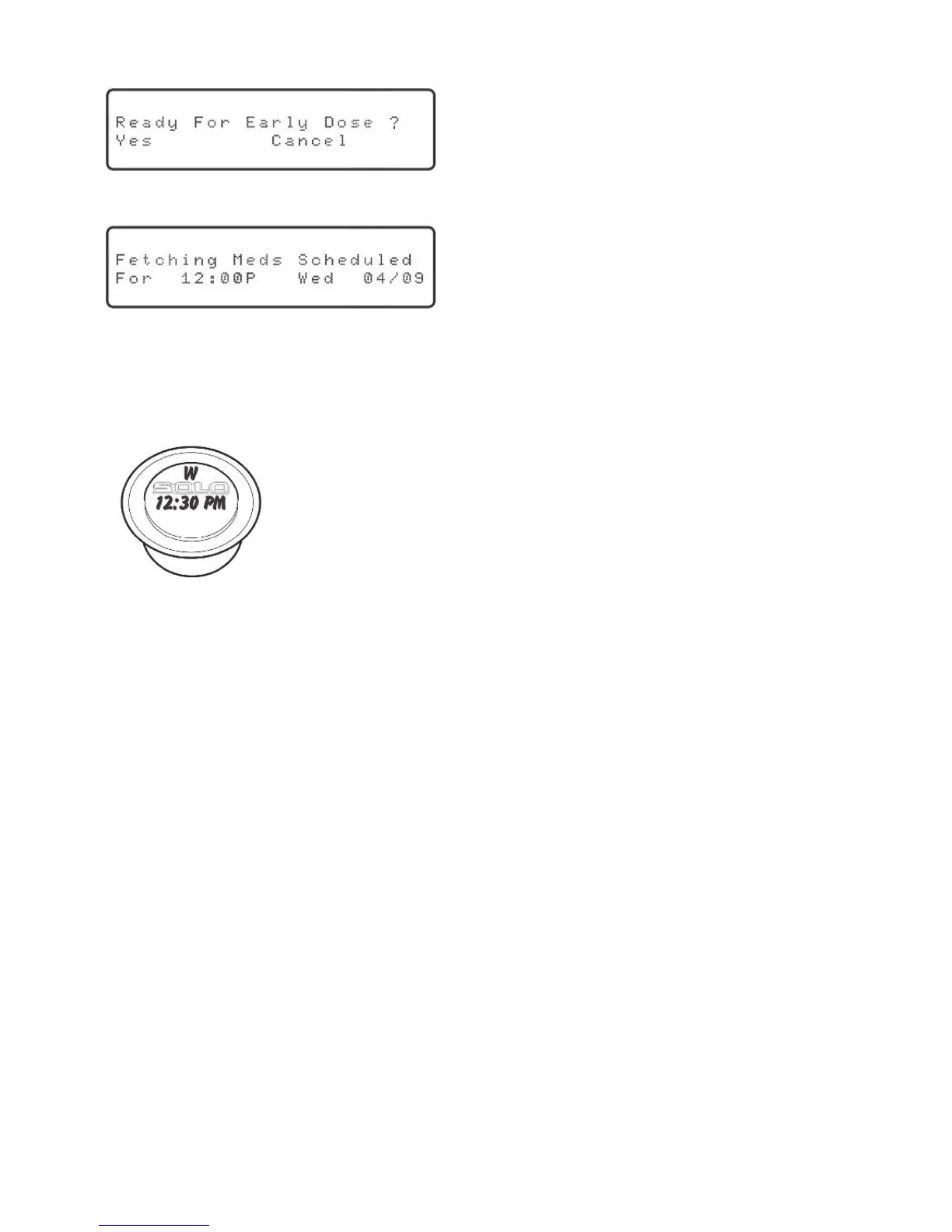
Press the “Early Dose” key. The display will show:
Press “OK.” The display will show:
The time and date displayed should correspond with the next scheduled dose.
It can take up to two minutes for the dispenser to correctly position the cylinders.
Once complete, the medication cup will be dispensed.
The Philips Medication Dispenser will automatically resume its normal operation. If you
want to dispense another early dose, repeat the process above.
NOTE:Youmayheararemindermessage(e.g.,“Don’tforgettotakeyourinsulin”)
instead of receiving a medication cup. This is perfectly normal. The dispenser is
progressing through the scheduled medications and messages. Take note of the
message and press the “Early Dose” key again to receive the next early dose.
Frequently Asked Questions
What if the patient is leaving home for an extended period of time?
The dispenser may be taken along. Simply unplug the dispenser and reconnect it in the
new location. Then call the Support Center to reactivate the dispenser.
Why is “System OK” blinking on the display?
A dose has been missed. Please refer to the instructions on page 25 to review the
status of missed doses.
“System OK” is blinking but there is no medication in the missed dose storage bin.
Why?
The missed dose may have been a reminder message, not a cup of medicine. Please
refer to the instructions on page 25 to review the status of missed doses.
Helpful Hint: Use a permanent marker to write the
dose times on the lids and then place the medication
cups in a small carrying bag.
“Yes”willbeblinking.



 To Next Page