• Thisisagoodtimetoreviewandverifytheinformationthatwassubmittedonthe
Subscriber Activation Form. Inform the Support Specialist if there have been any
changes to medication dosage times or messages. Feel free to ask the Support
Specialist any questions you may have.
Scheduling
The next step is scheduling. The information provided on the Subscriber Activation
Form (medication times and messages) will be downloaded into the Philips Medication
Dispenser. This is done automatically over the telephone line connection. If you have
called from a cell phone, you may remain on the line with the Support Specialist.
Otherwise, you will be asked to hang up the phone.
1. Turnthekeyclockwisetoopenthedoorandexposethekeypad.
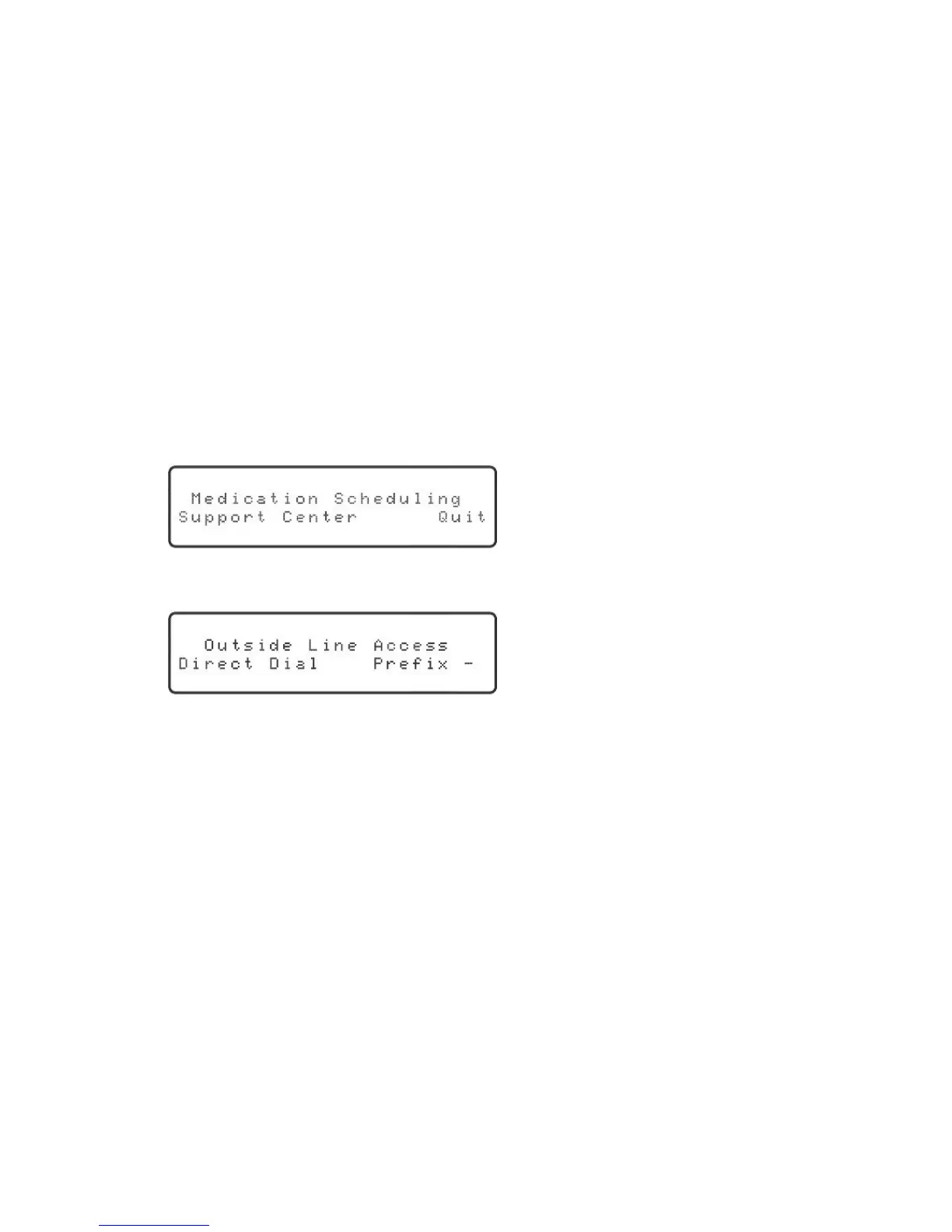
2. Pressthe“Schedule”key.Thedisplaywillshow:
“Support Center” will be blinking.
3. Pressthe“OK”key.Thedisplaywillshow:
“Direct Dial” will be blinking.
4. Ifadialingprexisrequired(thatis,youneedtodialanumbertoaccessanoutside
line),thenusetherightorleftarrowkeytoselect“Prex.”Thenusetheupor
downarrowkeytoselectthedesireddigit.
35
Installation



 To Next Page