26
For assistance, call the Support Center at 1-888-632-3261.
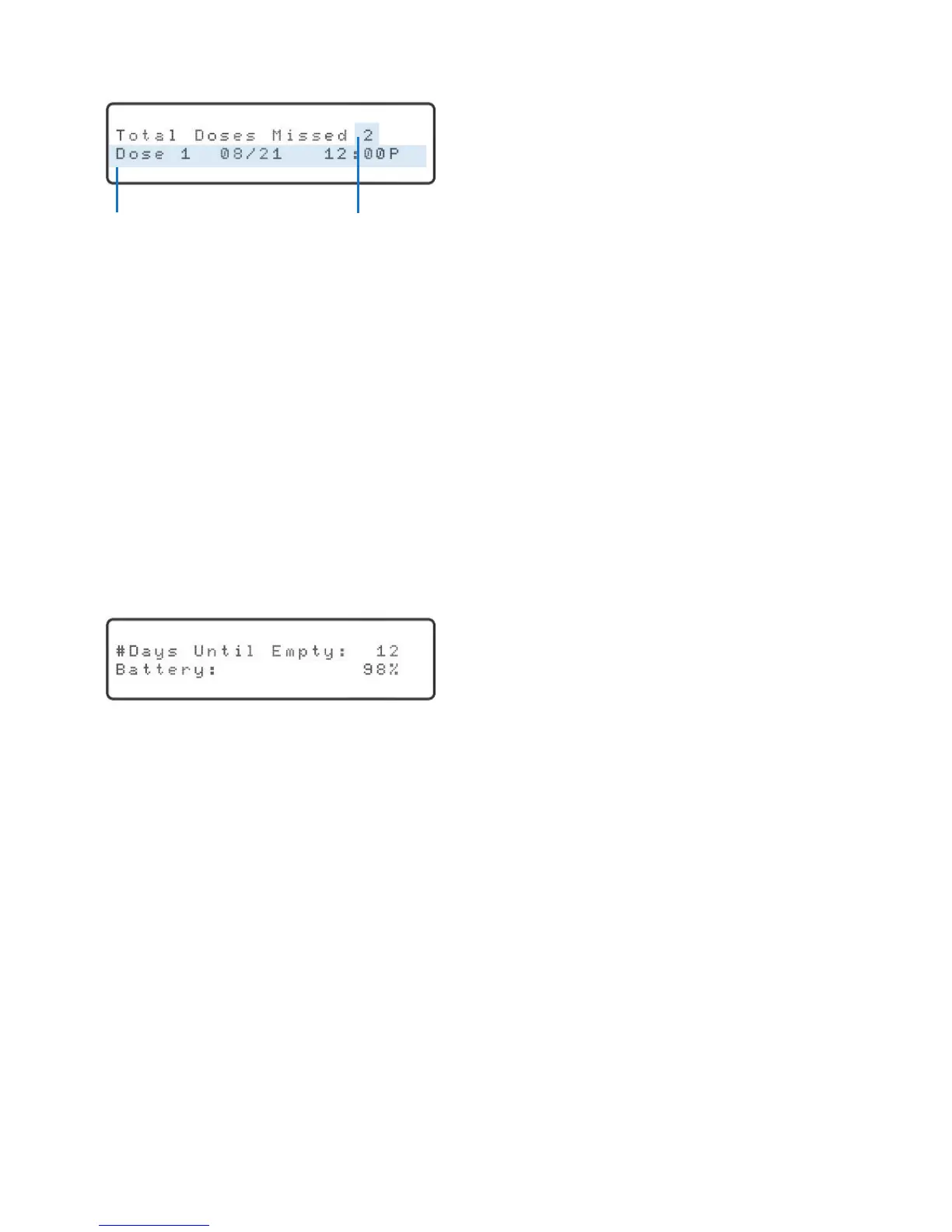
Press the “OK” key. The display will show:
To get information about the other missed doses, press the up or down arrow key.
The number will change and the corresponding date and time of the missed dose will
be displayed.
Press the “Run” key to resume normal operation once you are done reviewing the
missed doses.
Days of Medication Remaining / Battery Status
If there has NOT been a missed dose, pressing the “Status” key will provide information
about the amount of medication remaining in the dispenser and the battery status. If
the battery status is below 80%, please contact the Support Center for assistance.
Press the “Status” key. The display will show:
This status display will remain on the screen for 5 seconds. After 5 seconds, the Philips
Medication Dispenser will automatically resume normal operation.
Date and time of
rstmisseddose
Number of missed doses



 To Next Page