Alignments
EN 49Q552.2E LA 6.
2011-Jun-01
back to
div. table
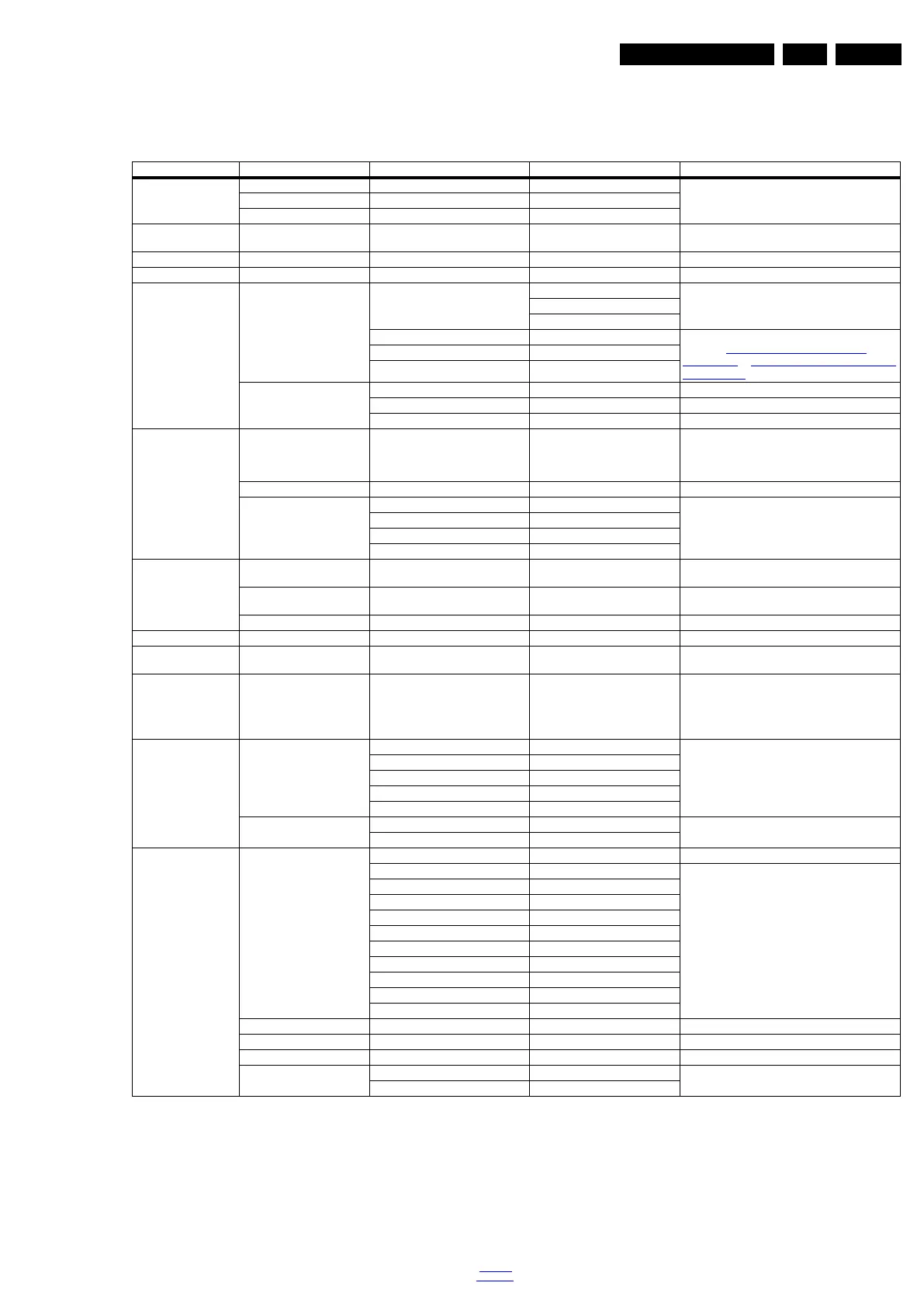
6.6 Total Overview SAM modes
Table 6-17 SAM mode overview
Main Menu Sub-menu 1 Sub-menu 2 Sub-menu 3 Description
Hardware Info A. SW version e.g. “Q5551_0.9.1.0 Display TV & Stand-by SW version and CTN serial
number
B. Stand-by processor version e.g. “STDBY_83.84.0.0”
C. Production code e.g. “see type plate”
Operation hours Displays the accumulated total of operation hours.TV
switched “on/off” & every 0.5 hours is increase one
Errors Displayed the most recent errors
Reset error buffer Clears all content in the error buffer
Alignment White point Colour temperature Normal 3 different modes of colour temperature can be
selected
Warn
Cool
White point red LCD White Point Alignment. For values,
see Table 6-3 White tone default setting 32"
(Blockbuster) to 6-15 White tone default setting 55"
(Sundance 3D)
White point green
White point blue
Ambilight Select module
Brightness
Select matrix
Dealer options Virgin mode Off/On Select Virgin mode On/Off. TV starts up / does not
start up (once) with a language selection menu after
the mains switch is turned “on” for the first time (virgin
mode)
E-sticker Off/On Select E-sticker On/Off (USP’s on-screen)
Auto store mode None
PDC/VPS
TXT page
PDC/VPS/TXT
Option numbers Group 1 e.g. “00008.00001.15421.02239” The first line (group 1) indicates hardware options 1
to 4
Group 2 e.g. “44816.34311.33024.00000” The second line (group 2) indicates software options
5 to 8
Store Store after changing
Initialise NVM N.A.
Store Select Store in the SAM root menu after making any
changes
Operation hours display 0003 In case the display must be swapped for repair, you
can reset the “”Display operation hours” to “0”. So,
this one does keeps up the lifetime of the display
itself (mainly to compensate the degeneration
behaviour)
Software maintenance Software events Display Display information is for development purposes
Clear
Test reboot
Test cold reboot
Test application crash
Hardware events Display Display information is for development purposes
Clear
Test setting Digital info Current frequency: 538
QAM modulation: 64-qam Display information is for development purposes
Symbol rate:
Original network ID: 12871
Network ID: 12871
Transport stream ID: 2
Service ID: 3
Hierarchical modulation: 0
Selected video PID: 35
Selected main audio PID: 99
Selected 2nd audio PID: 8191
Install start frequency 000 Install start frequency from “0” MHz
Install end frequency 999 Install end frequency as “999” MHz
Default install frequency
Installation Digital only Select Digital only or Digital + Analogue before
installation
Digital + Analogue



 To Next Page