PAGE 9-12
1097626, V
ER. 03
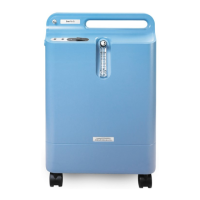
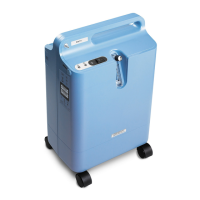
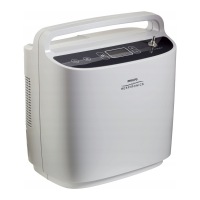
9.5 SIMPLYFLO FINAL TEST PROCEDURE
9.5.1 REQUIRED EQUIPMENT
• Oxygen Analyzer (PRI P/N 1027705) or equivalent
• Continuous Flow meter - Cole-Parmer Hand-held Flowmeter, PM2.20XY (Catalog Number: WU-
32500-80) or equivalent
• Oxygen Interface Hardware Kit (Respironics Part Number: 1073499)
• Computer with Microsoft Windows 7 (32/64 bit) or XP (32 bit) operating systems only
• Current version of the Data Recovery Tool for SimplyGo (my.respironics.com)
• Current version of the SimplyGo Manifest File (my.respironics.com)
1. Connect the AC Power Supply to an AC power source.
2. Connect the AC Power Supply output connector to the SimplyFlo power input.
3. Launch the SimplyGo Data Recovery Tool by double clicking on the icon shown below.
4. Ensure the device is connected to the computer via the communication cable
5. Turn the device on by performing the following steps:
6. Press the Power button
7. Wait for the LCD screen to light
8. Press the Power button a second time
9. The data recovery tool should now detect the device and begin downloading the data
10. Once the data has been downloaded, proceed to the code loading option.
IMPORTANT NOTE
If a Main PCA, Sieve Bed, Compressor, or Process Valve has been replaced, perform the Final Test
Procedure and then the Balancing Procedure in that order.
If any other repair has been completed, perform only the Final Test Procedure.
If performing the Final Test and Balancing, use the Final Test and Balancing Data Sheet.
If performing the Final Test only, use the Final Test Data Sheet.
NOTE
For download and installation instructions for SimplyGo/SimplyFlo Data Recovery Tool and Manifest File,
refer to the service Manual Section 5.3


 To Next Page
 Loading...