PAGE 9-131097626, VER. 03
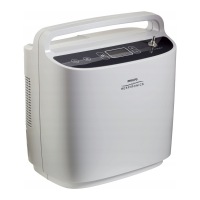
11. Document the device model number and PCA revision in the Test Data Sheet. These values will
be needed to select the appropriate software and parameters to load.
12. Load the appropriate software and parameters for the device configuration you have.
13. From the SimplyGo Data Recovery Tool File Update Firmware menu option.
14. Based on values recorded in step 11, select the appropriate configuration option from the drop
down list.


 To Next Page
 Loading...