11 | User Reference Guide NOCTURN XL Camera
NVT 200-LC-0103
Revision: D
Page 11 of 43
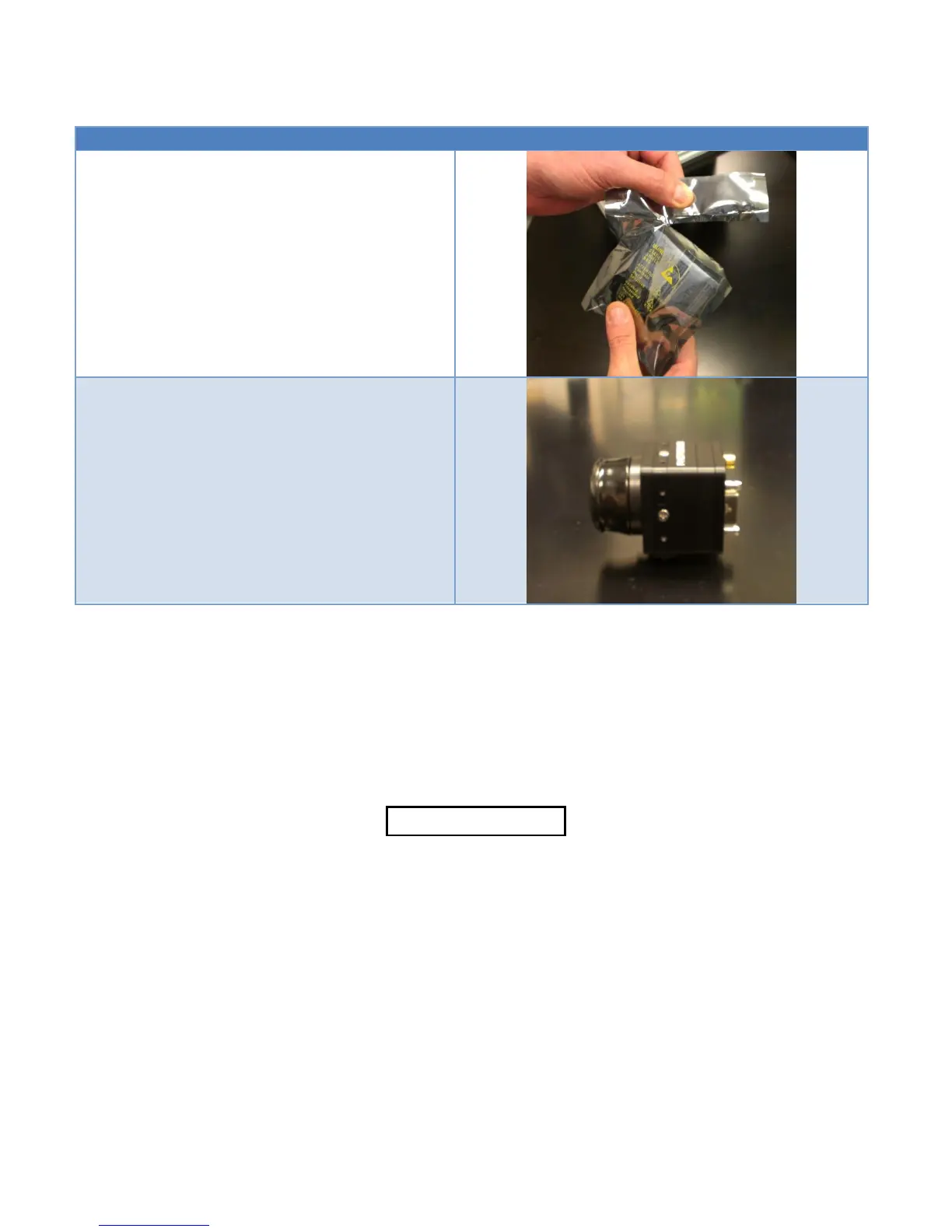
Unseal antistatic bag and remove camera module
using proper ESD procedures.
Inspect camera module for proper configuration and
potential shipping damage. Immediately report any
problem to PHOTONIS personnel.
5. GETTING STARTED: INITIAL SETUP AND OPERATION
Once the camera is unpacked, please install the USB drivers for your target operating system located
on the Silicon Labs website. If using a Windows 7 compatible PC, it is recommended to load the “Win 7
Evaluation GUI”. The GUI can be downloaded at www.nocturncamera.com. In the event that the
camera must be controlled on another operating system, a “terminal emulation” software should be
used to send serial commands to the camera.
CAUTION
Before proceeding with the initial power-up of the Camera,
be sure the Nocturn XL USB driver (if applicable), provided
at www.nocturncamera.com or on the Silicon Labs
website, is installed on the PC
USB DRIVER INSTALLATION (WINDOWS)



 To Next Page