PHOTONIS | 14
NVT 200-LC-0103
Revision: D
Page 14 of 43
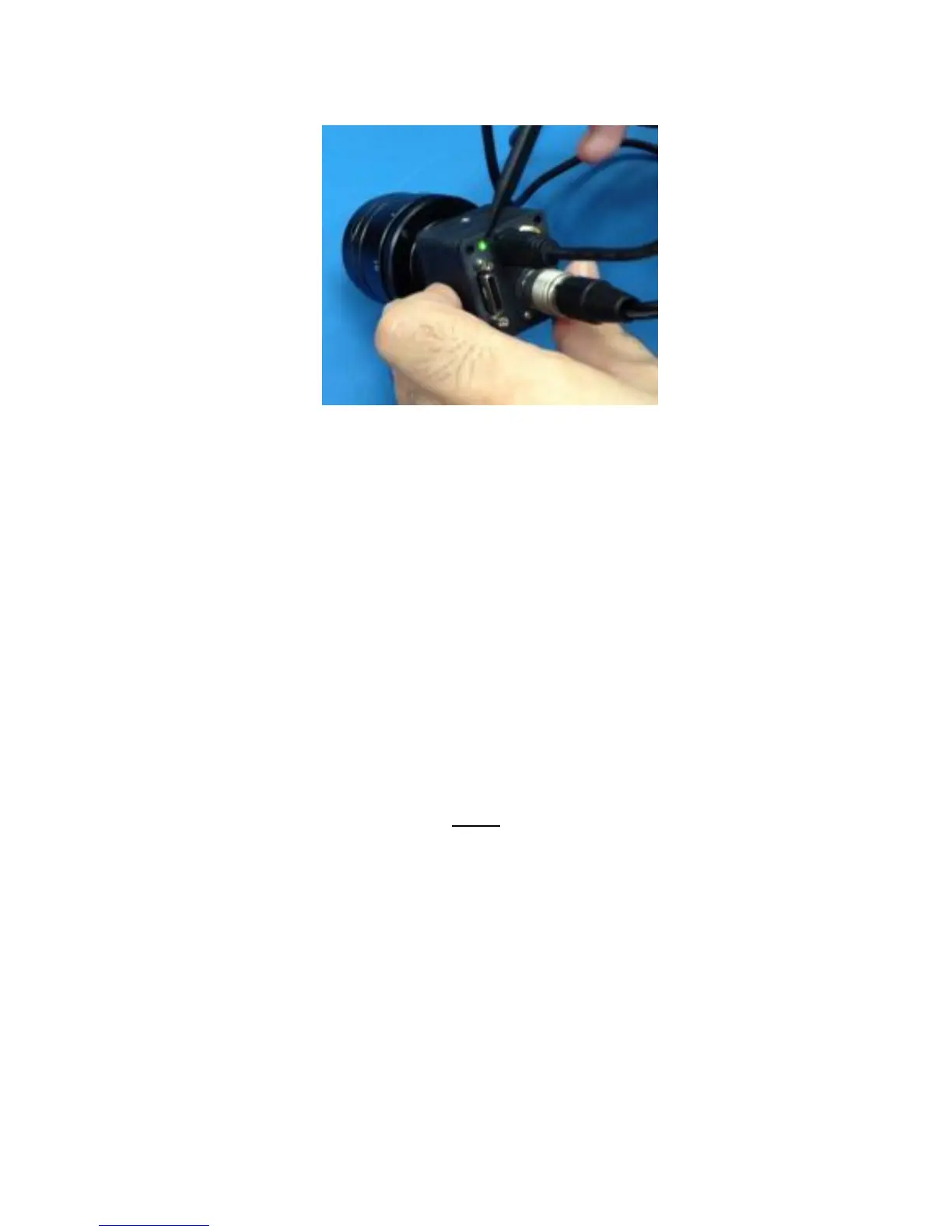
Figure 5 LED on the Back of the NOCTURN XL Turns Green when USB Power is Applied
Turn on the frame grabber image acquisition software to display the digital video output from the
camera (the camera will output video as soon as power is applied over the USB interface).
6. CAMERA CONTROLS
The NOCTURN XL is controlled by a serial communication protocol that can be addressed either over
the USB or the Camera Link ® compatible link.
BASIC COMMUNICATION SETTINGS
The serial communication should be set with the following configuration:
Number of bits: 8
Baud rate: 115200 bps
Parity: none
Number of stop bits: 1 bit
Flow control: none.
NOTE
The user can change the default baud rate to value other
than 115200bps by using the “baudrate” command
followed by a “save flash” command.
PROTOCOL
The protocol to communicate the NOCTURN XL console is based on ASCII printable messages. A
carriage return must be sent following a command. A “>” will appear at the console when the camera is
ready to accept messages. The camera will answer “OK” to all user command that are accepted and
“Error: <error message>” when an error occurs.
A standard message to the camera should have the following architecture: Command <Optional
Payload> <CR>.



 To Next Page