13 | User Reference Guide NOCTURN XL Camera
NVT 200-LC-0103
Revision: D
Page 13 of 43
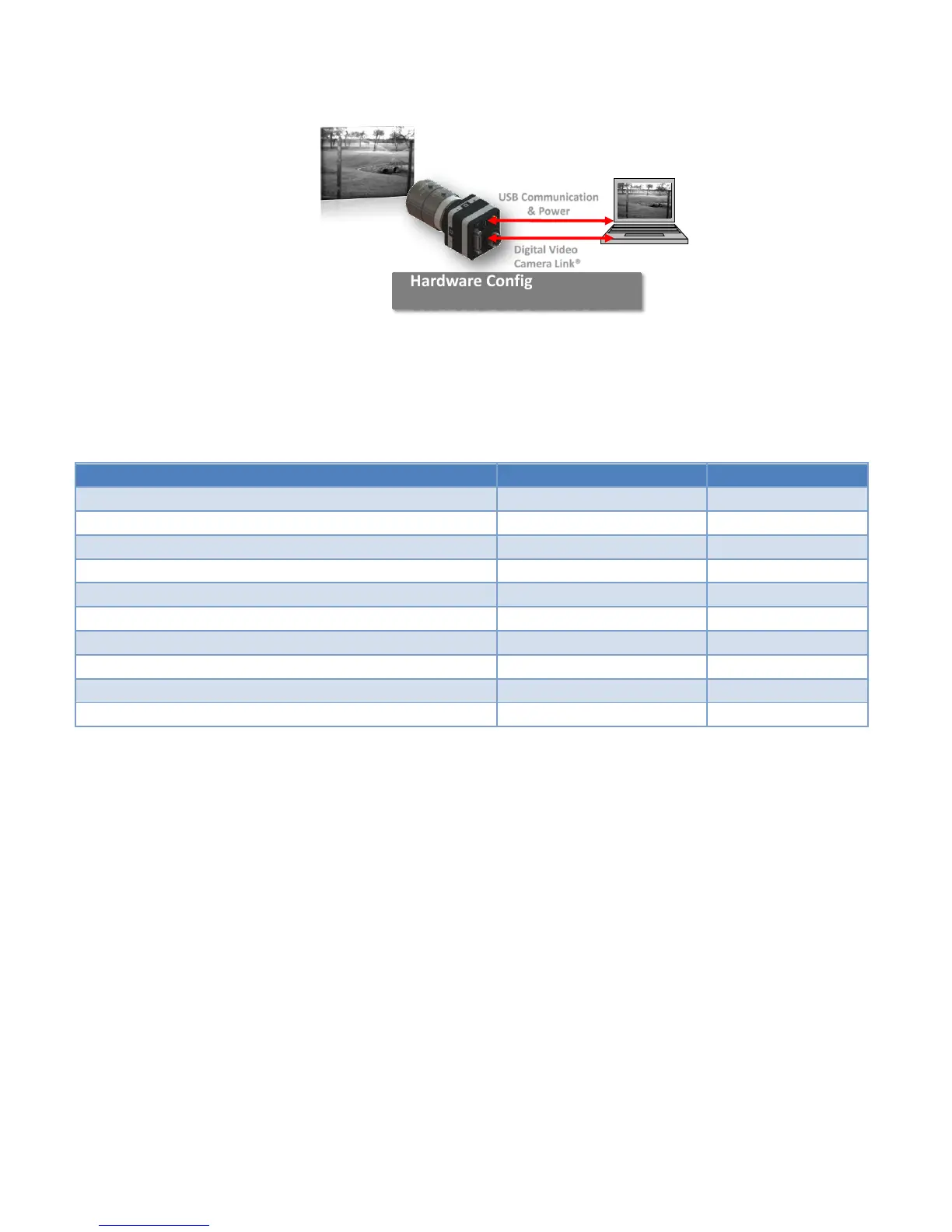
Figure 4 Hardware Connection Between the NOCTURN and PC
Setup your CameraLink® frame grabber configuration file to match the parameters shown in
Table 5.
Table 5 Frame Grabber Configuration Details
Pixel Clock per Tap (with 30/50/60fps operation mode)
Pixel Clock per Tap (with 100fps operation mode)
Connect a micro-USB cable (not supplied with the camera) between the J304 connector on the
NOCTURN XL camera and the host PC with the installed USB drivers. The status LED on the
back of the NOCTURN XL should turn green (see Figure 5).
Hardware Configuration with
USB Power and Camera Link®
Digital Video
Camera Link®
USB Communication
& Power



 To Next Page