31 | User Reference Guide NOCTURN XL Camera
NVT 200-LC-0103
Revision: D
Page 31 of 43
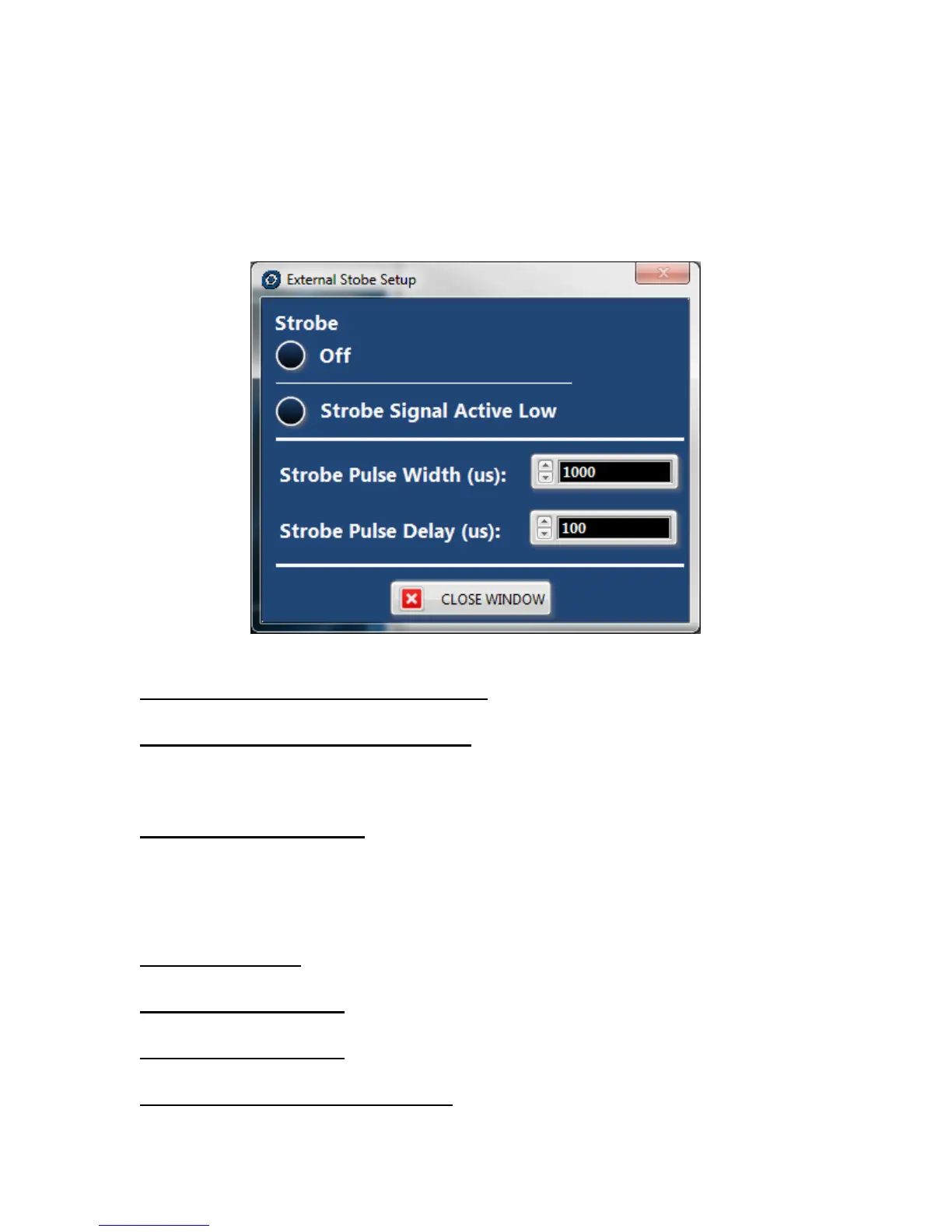
polarity of the strobe signal between high and low. The “Strobe Pulse Width” represent the
duration that the active signal is active (in micro seconds) during each frame. Finally, the
“Strobe Pulse Delay” is a user adjustable delay in micro seconds between the actual the sensor
frame start and asserting the strobe signal. To return to the main GUI screen, the “CLOSE
WINDOW” button needs to be pushed.
Figure 7 External Strobe Setup Window
Setup: Restore Default Camera Settings- This option will execute a script to restore the
camera to the manufacturer’s default settings.
Setup: Restore Default Sensor Settings- This option will reload default settings to the image
sensors. It is important to note that restoring default settings may adversely affect the
performance of the camera if some settings or the non-uniformity correction tables have been
modified by the user.
Setup: Engineering Mode- This mode enables certain options for PHOTONIS technical
personnel to provide advanced support in the event that the camera is not working properly.
This option is password protected and should only be used if directed to do so by PHOTONIS
personnel.
Transfer Menu
Transfer: Send File- Option used to upload files to the camera such as convolution filters.
Please refer to the user guide for proper usage.
Transfer: X Receive File- Option used to download files from the camera using X Modem
protocol. Please refer to the user guide for proper usage.
Transfer: Y Receive File- Option used to download files from the camera using Y Modem
protocol. Please refer to the user guide for proper usage.
Transfer: Load NUC Tables 50/60fps- Use this option to upload Non Uniformity Correction
(NUC) correction tables for the 50/60fps camera configuration. When this option is selected a



 To Next Page