70 Version: 1.2.1 MS249E C-863.12 Mercury Controller
Optimizing the servo control parameters
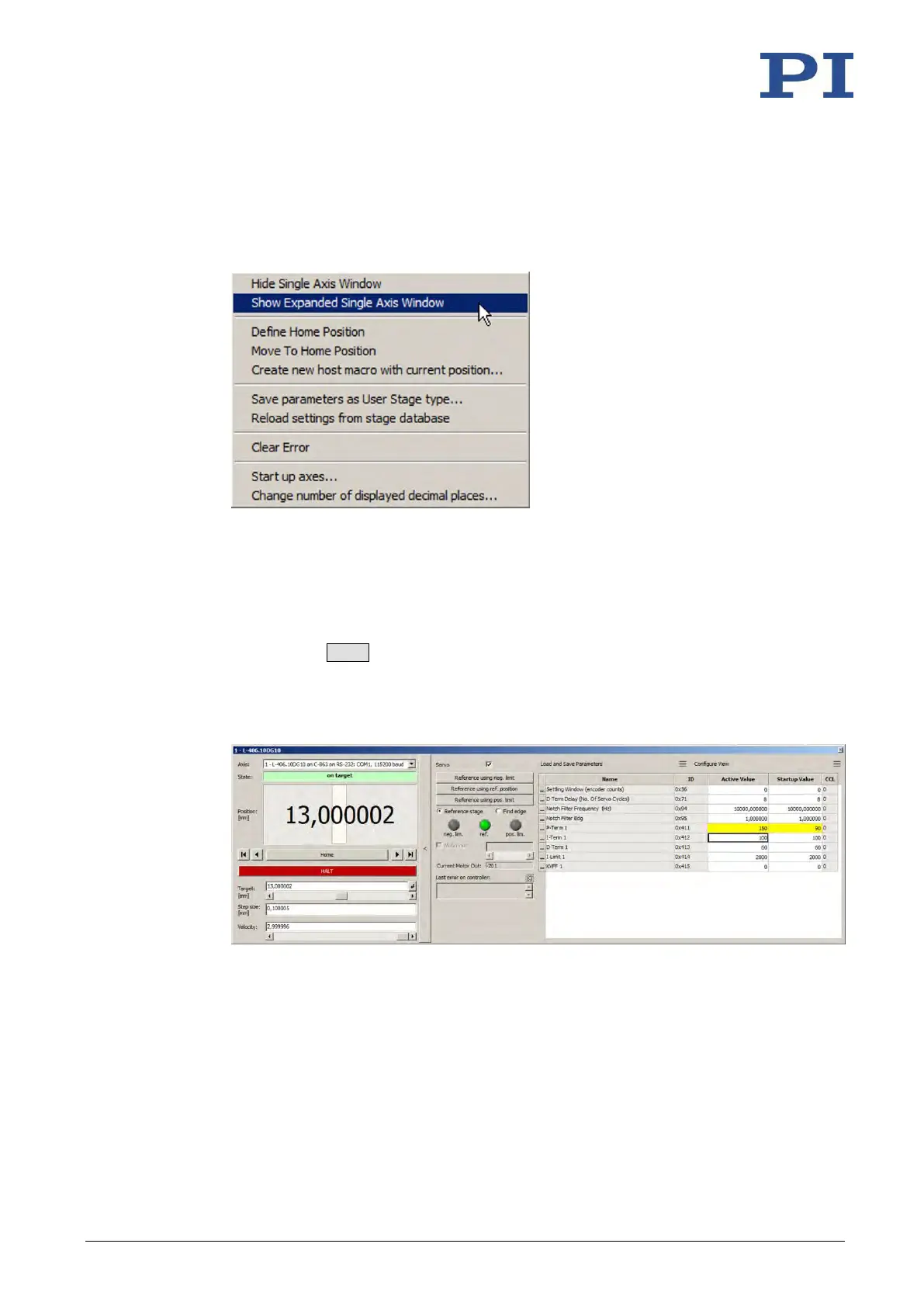
1. Open the expanded single axis window for the connected positioner in the main
window of PIMikroMove by clicking the right mouse button on the corresponding line
of the Axes tab and selecting Show Expanded Single Axis Window in the context menu.
2. Enter new values for the parameters to be adapted:
a) If the parameters to be changed are not included in the list on the right-hand side
of the window, click Configure View -> C-863 - CONTROL ALGORITHM.
b) Type the new parameter value into the corresponding input field in the Active
Value column of the list.
c) Press the Enter key on the PC keyboard or click outside the input field with the
mouse to transfer the parameter value to the volatile memory of the controller.
Note: If a parameter value in the volatile memory (Active Value column) is different
to the parameter value in the nonvolatile memory (Startup Value column), the line
in the list is highlighted in color.
3. In the Data Recorder window, record the step response of the positioner again.
If the result is not satisfactory:
− Enter different values for the servo control parameters into the expanded single
axis window and record the step response again.
If you are satisfied with the result and want to keep the new servo control parameter
settings, save the new settings. You have the following options:



 To Next Page