5. Select the account level you wish to report on: Account, Sub account or Sub sub account.
6. Tap OK to return to the Reports screen.
Emailing an account report
Email an account report to keep a record of how much departments or clients have spent on their
postage over specific time periods.
1. Tap Manage Accounts on the Home screen.
2. Tap Got It at the No Sync Required prompt.
3. Tap Reports.
4. Tap View & print reports.
5. Tap the report to select it.
6. Tap Next.
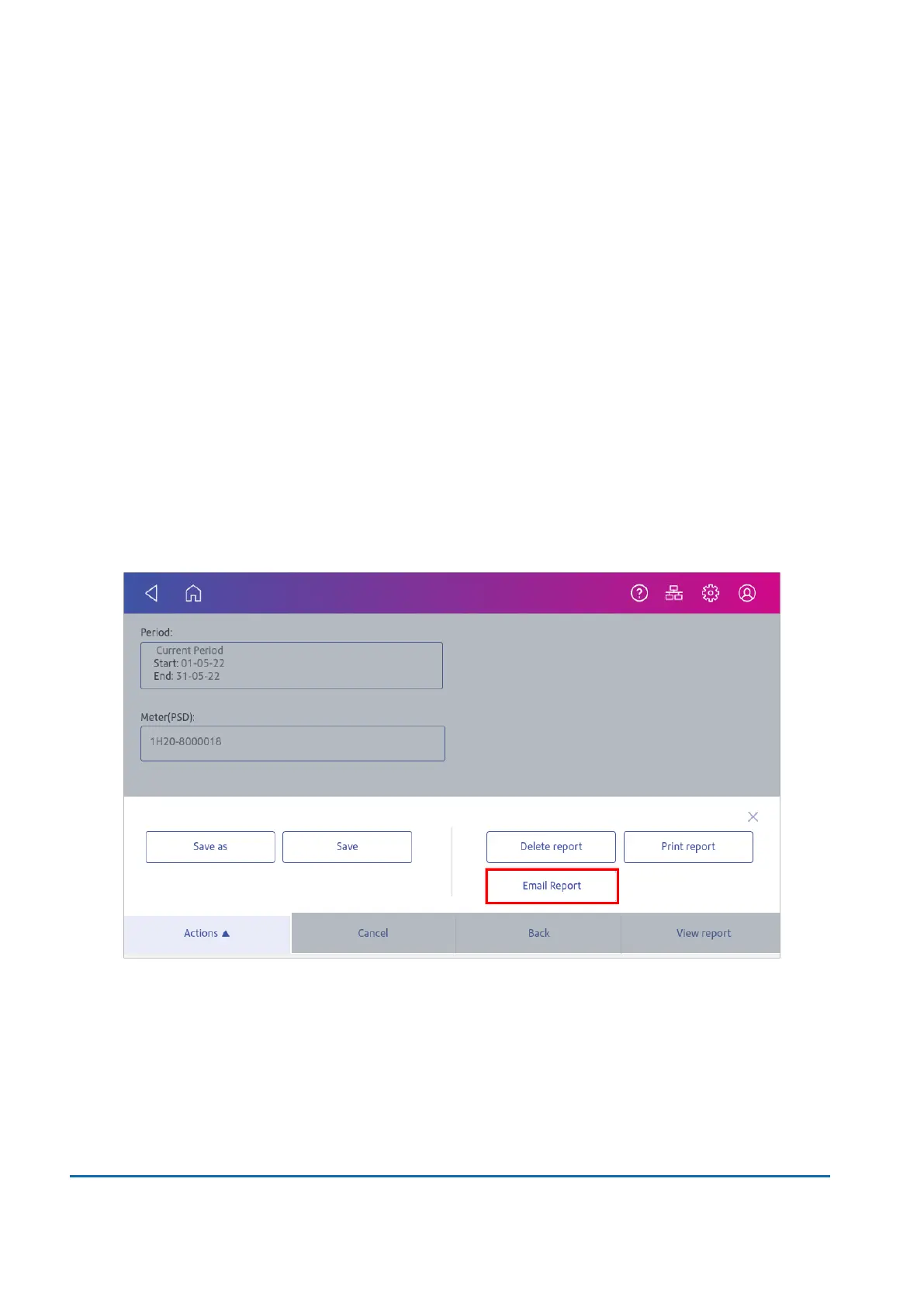
7. Tap Actions.
8. Tap Email Report.
9 • History and Reports
Pitney Bowes User Guide March 2023 108











 To Next Page