Checking the available funds for printing postage
Viewing the amount available in your device
1. Tap Envelope Printing on the Home screen.
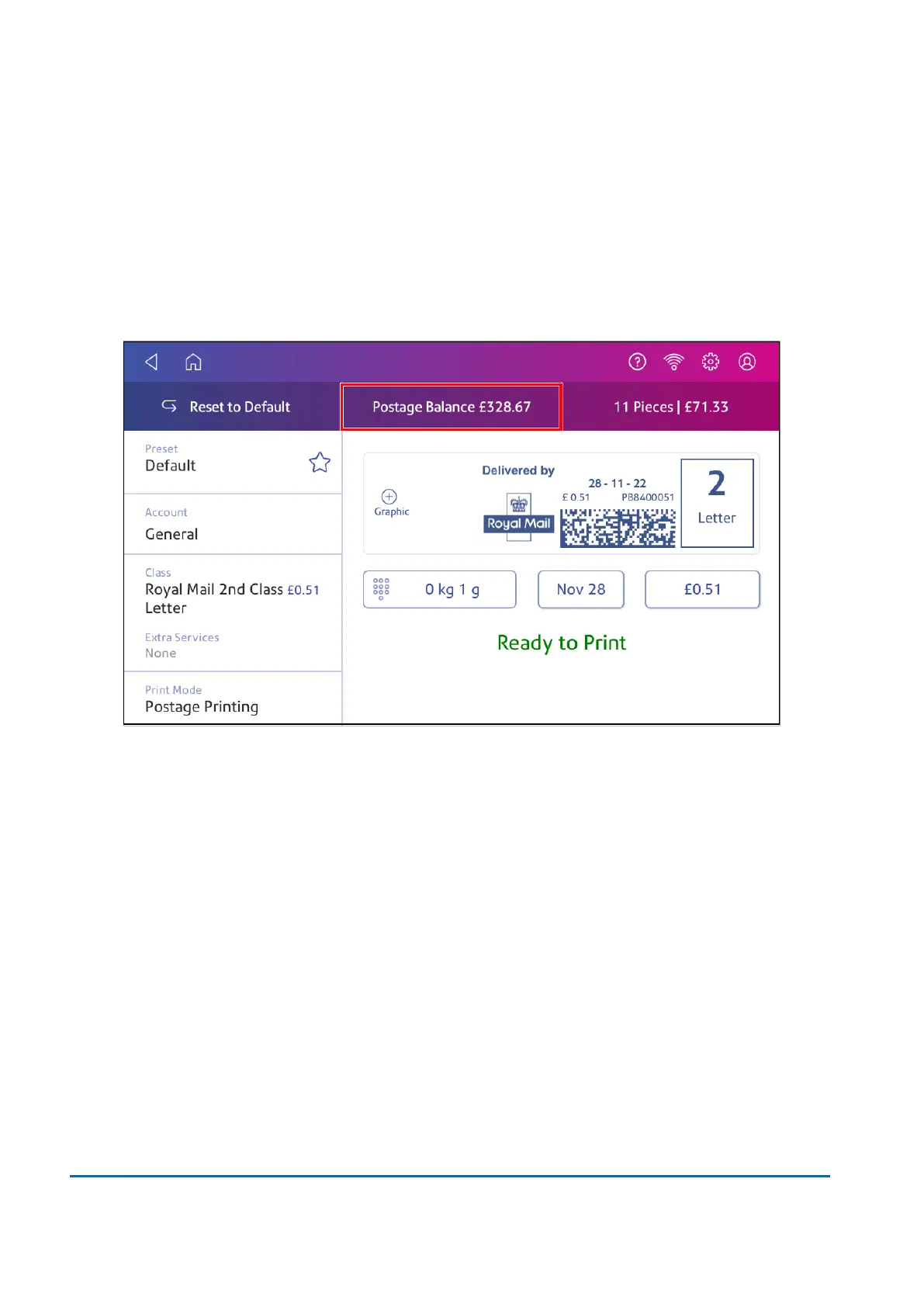
2. The Postage Balance shows the available funds in your device.
Viewing the amount available in your postage account at Pitney Bowes
1. Tap Envelope Printing on the Home screen.
2. Tap Postage Balance.
3. Tap Refill Settings.
5 • Postage Funding
Pitney Bowes User Guide March 2023 55











 To Next Page