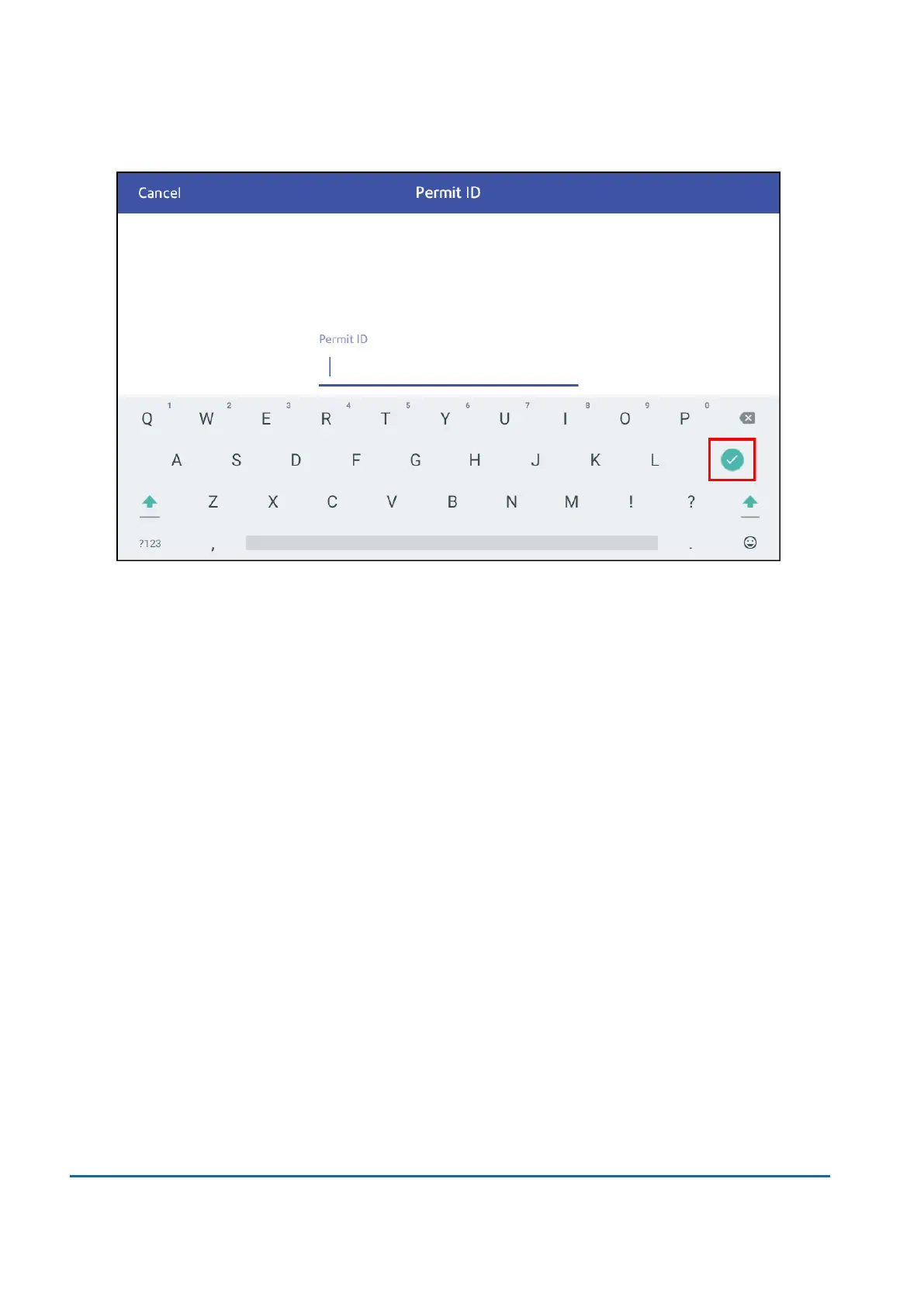
10. Enter your Permit ID as supplied by Royal Mail. Tap Enter to confirm.
11. Tap Apply.
12. Place the envelope or envelopes on the feed deck. Depending on the SendPro Cmodel you
have, feed the envelopes manually or tap Start to feed the envelopes.
Printing a PPIimpression
1. Tap Envelope Printing on the Home screen.
2. Tap Print Mode.
3. Select Permit Mode.
4. Tap Apply.
5. Tap Graphic.
10 • Printing
Pitney Bowes User Guide March 2023 117











 To Next Page