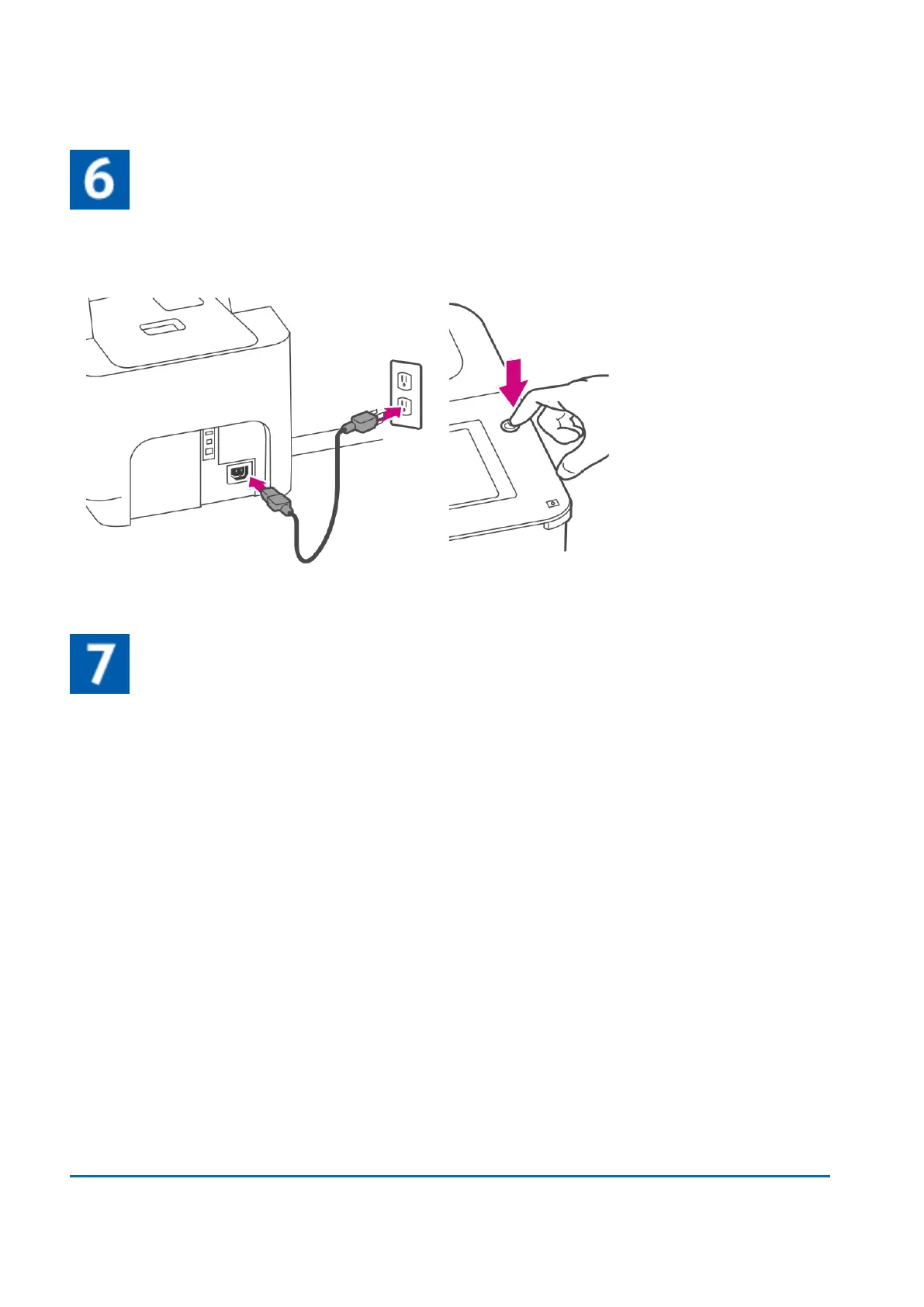
Connect the device to a power source
Connect the device to a power source. Tap the power button.
Follow the installation instructions on the device
1. Wait for the device to start up.
2. Tap Get Started on the touchscreen and continue the installation steps on the screen.
1 • Installation
Pitney Bowes User Guide March 2023 16











 To Next Page