1 ● Introduction
mailstation
™
2 Digital Postal Meter | SV61983 Rev. H 1-3
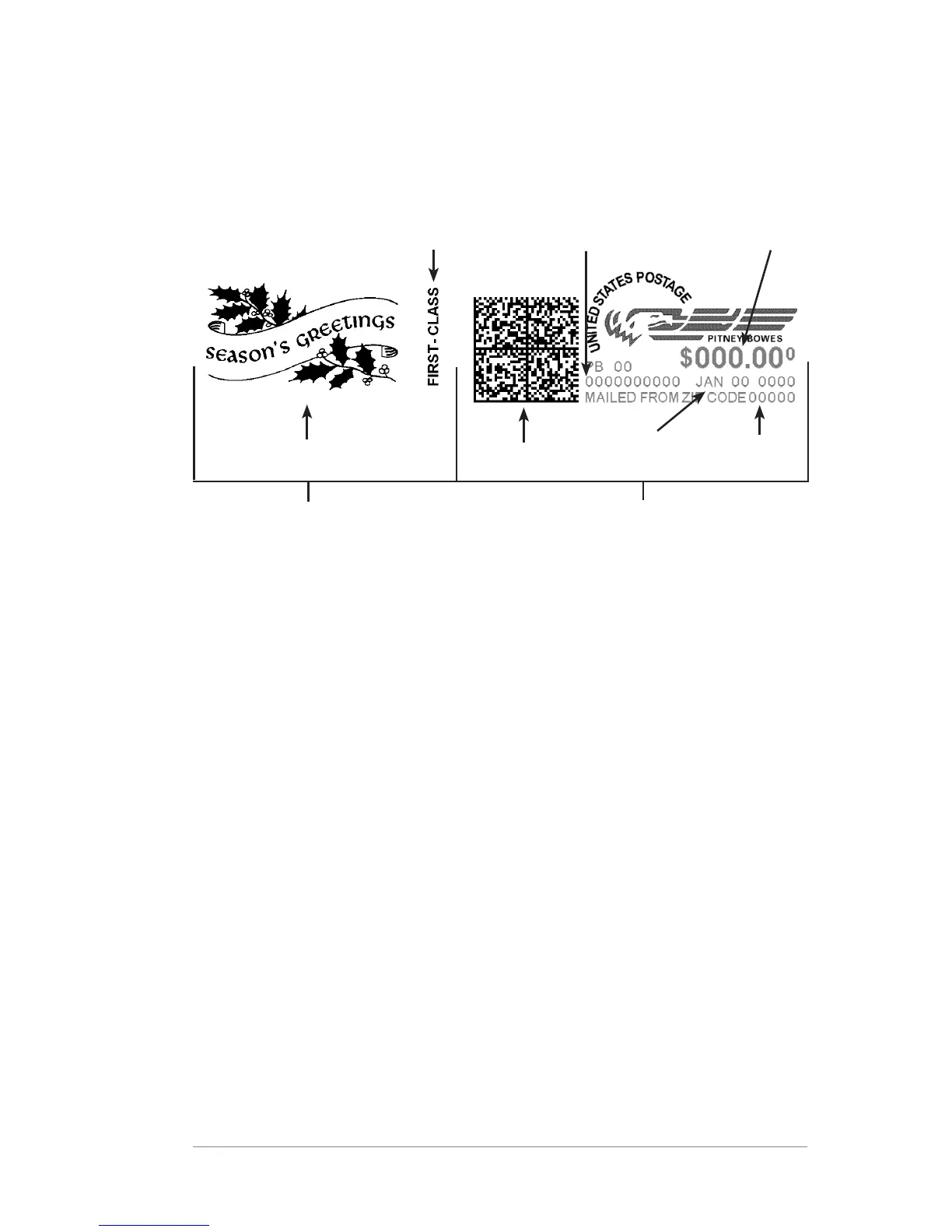
Sections of the Meter Stamp
These are the sections that make up the meter stamp printed on your
mail piece.
Envelope Ad
Postal
Inscription*
Postage
Applied
Optional Printing
Required Printing
Meter Serial
Number
*required only for certain classes of mail
Connecting to the Pitney Bowes Data Center
You can connect the mailstation to the Data Center through the Internet
or an analog phone line. To connect via the Internet, you will need a PB
Communication Device connecting the meter to an active network port.
Keep the mailstation online so you can:
• Add postage funds
• Install firmware/software updates
• Receive USPS or other carrier rate updates
• Get ZIP/Zone changes made by the USPS
• Acquire optional envelope ads and postal inscriptions
• Perform mandatory postal inspections
• Upload pending USPS
®
Confirmation Services records
Datamatrix
Barcode
Date
ZIP Code
Origination













 To Next Page