4 ● Printing Options
mailstation
™
2 Digital Postal Meter | SV61983 Rev. H 4-5
Printing Envelope Ad Only (no meter stamp)
You may want to use this feature to add your company's message to
incoming mail.
1. Press Menu.
2. Use the Review keys to scroll to "Change meter stamp type?” and
press Enter/yes.
Turning ON Ad Only Printing - Use the Review keys to scroll to "Print
ad only?" and press Enter/yes. If you have already selected an ad
for your normal meter stamp, that is the one used; otherwise, you
are prompted to choose an ad. When completed, the main screen
displays with the ad only.
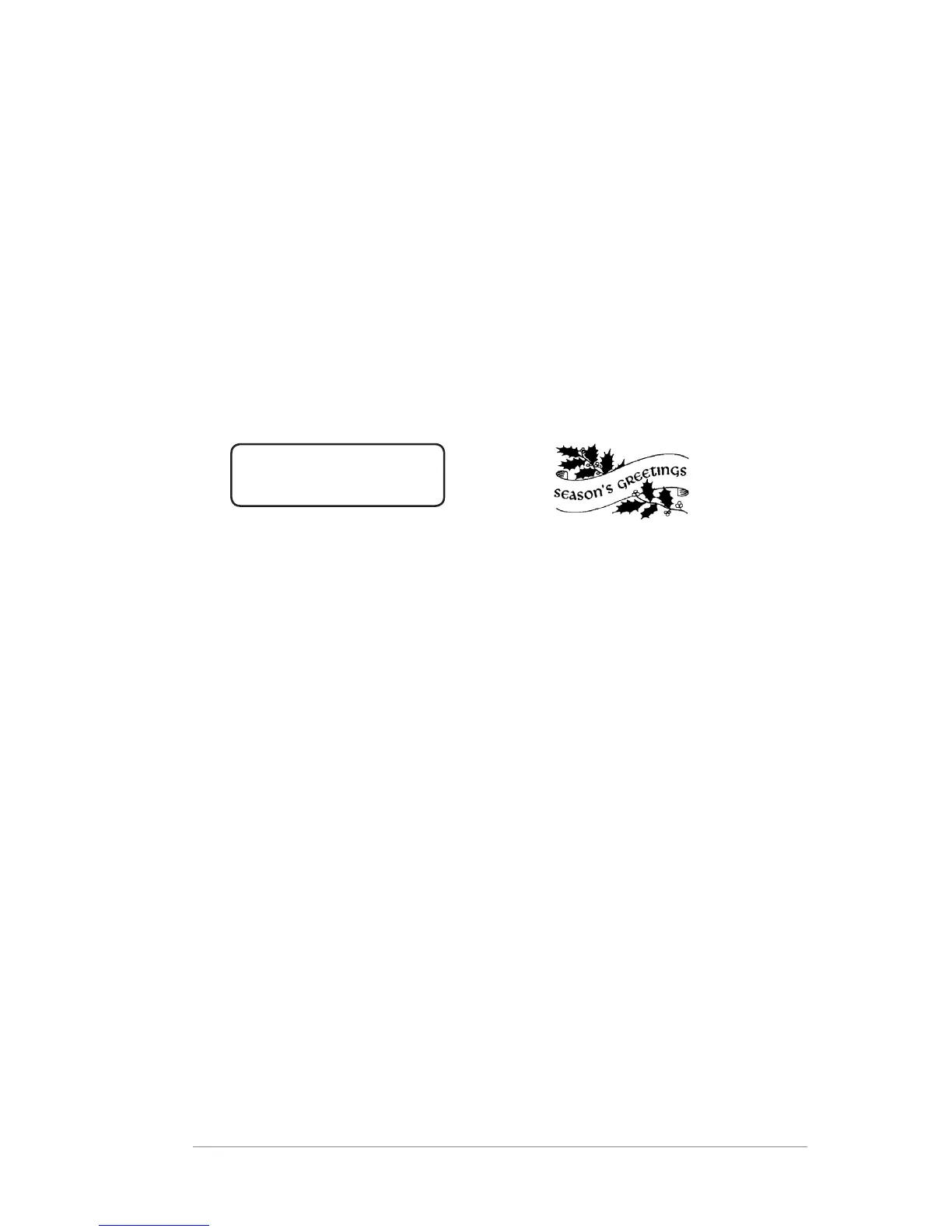
Ad: Seasons Greetings
-Ad only-
Turning OFF Ad Only Printing - Use the Review keys to scroll to
"Print normal postage?" and press Enter/yes. The normal main
screen displays.
Sample Printed Envelope Ad













 To Next Page