B-2
Operator Guide | SV61983 Rev. H
Appendix B
Special Characters
Special characters are accessed by repeatedly pressing the “1” key.
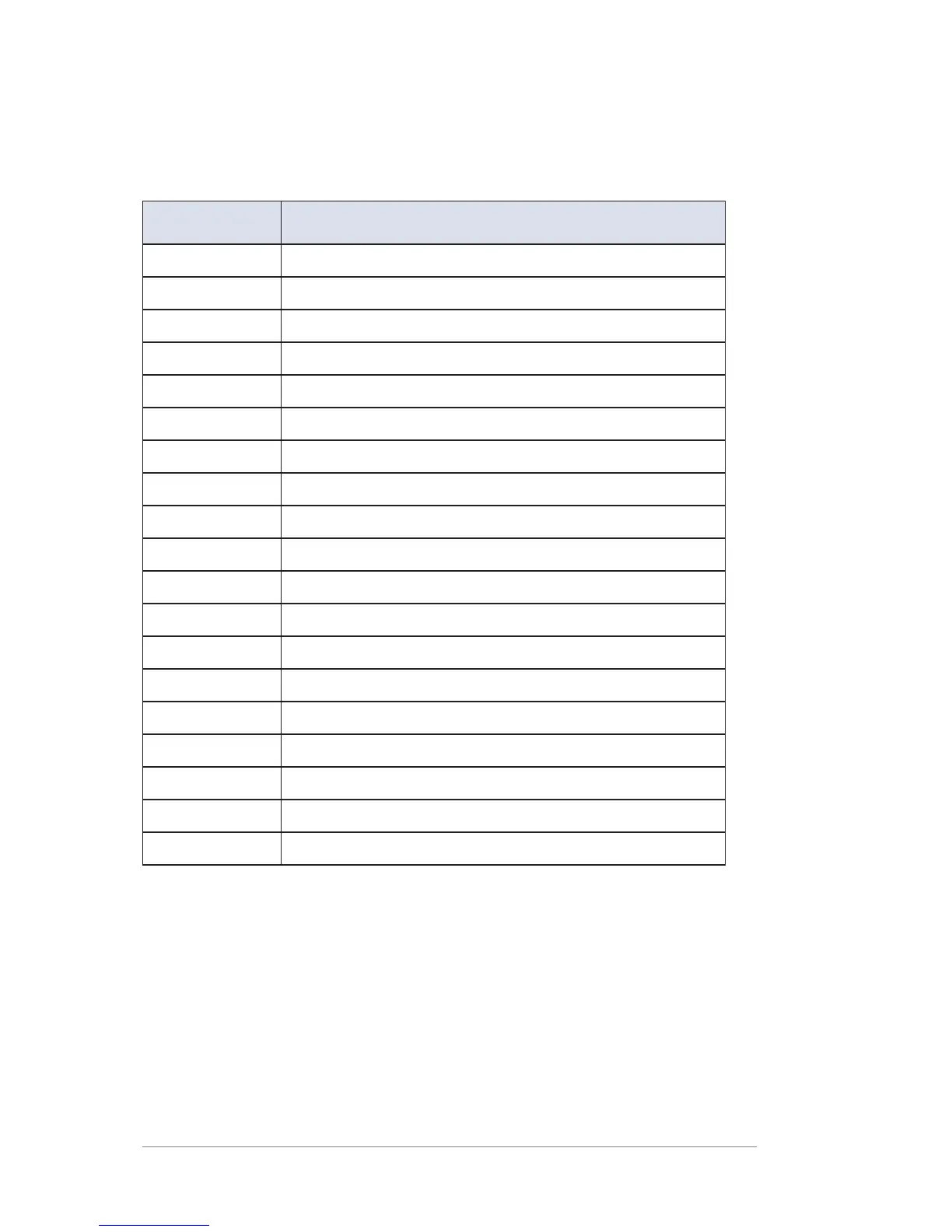
Special characters include:
Symbol Name
, Comma
& Ampersand
* Asterisk
. Period
: Colon
$ Currency symbol
- Minus sign (dash)
? Question mark
/ Forward slash
\ Backward slash
( Open parenthesis
) Close parenthesis
! Exclamation point
@ “at” sign
+ Plus sign
# Hash mark
% Percentage
^ Upper carrot
= Equal sign
The 0 (zero) key on the keypad functions as the space key. The word
“Space” is printed on the keypad overlay to indicate this.
The decimal point key also functions as the Shift key. The word “Shift”
is printed on the keypad overlay to indicate this. In the alpha character
entry mode (any screen that accepts alpha characters), this key toggles
between “all uppercase letters” and “all lowercase letters.” When an up
arrow (▲) displays in the last position, the uppercase mode is activated.













 To Next Page