10. Your PitneyShip account creation is complete. Click Next.
11. Enter the password you created and click Sign In.
12. Click Get Started.
Connecting your PitneyShip Cube
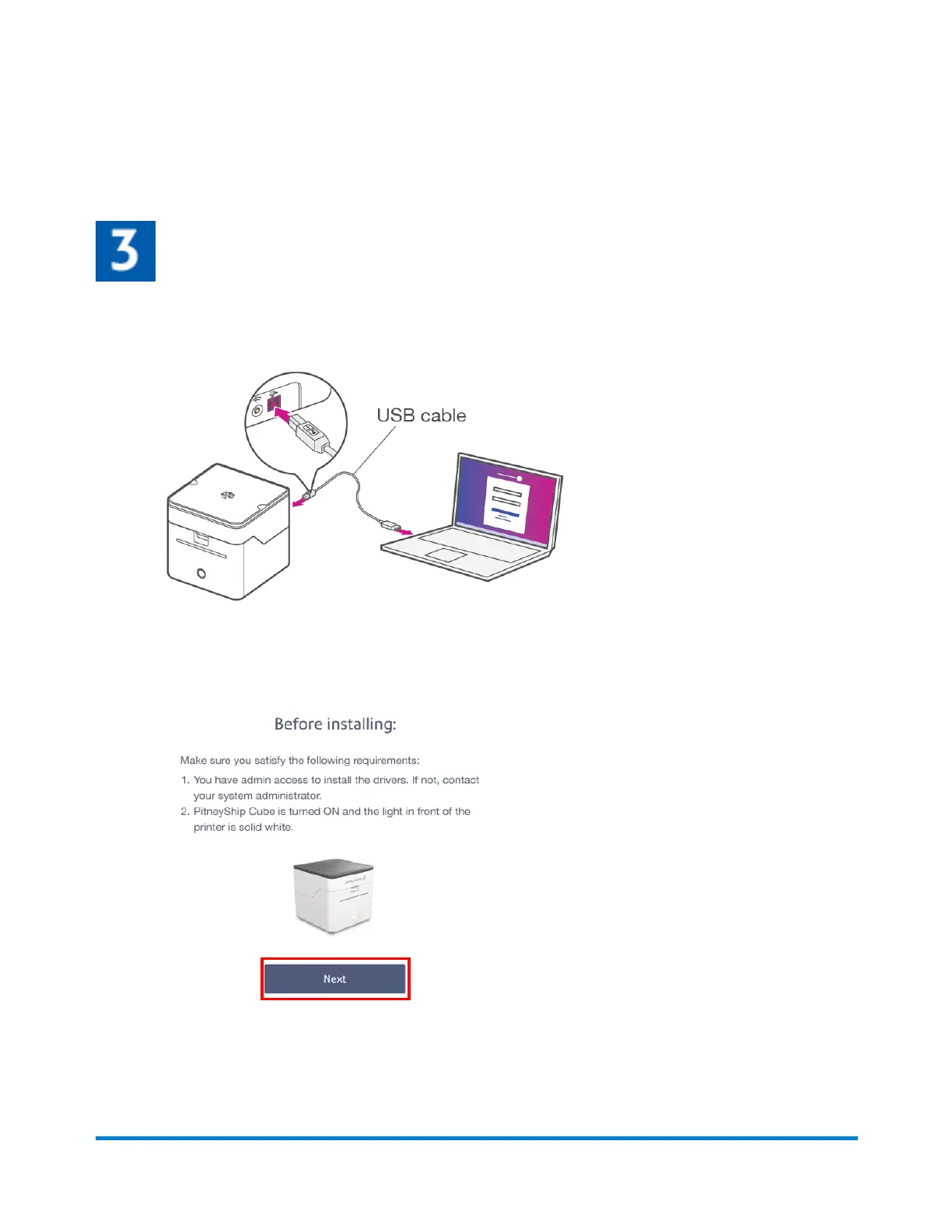
1. Connect the USB cable to your printer and your PC.
2. When asked, "How do you want to connect your PitneyShip Cube?" select With USB.
3. Review the Before installing prompt and click Next.
Pitney Bowes User Guide June 2023 13
1 • Installation










 To Next Page