Reconnecting your PitneyShip Cube to the PitneyShip
mobile app
If you have moved your PitneyShip Cube to a new location, you will need to connect to a new Wi-Fi
network. Follow the steps below to connect your PitneyShip Cube.
1. Long press the Wi-Fi button located on the back of the PitneyShip Cube to enter pairing mode.
When the LED slowly flashes white, it is in pairing mode.
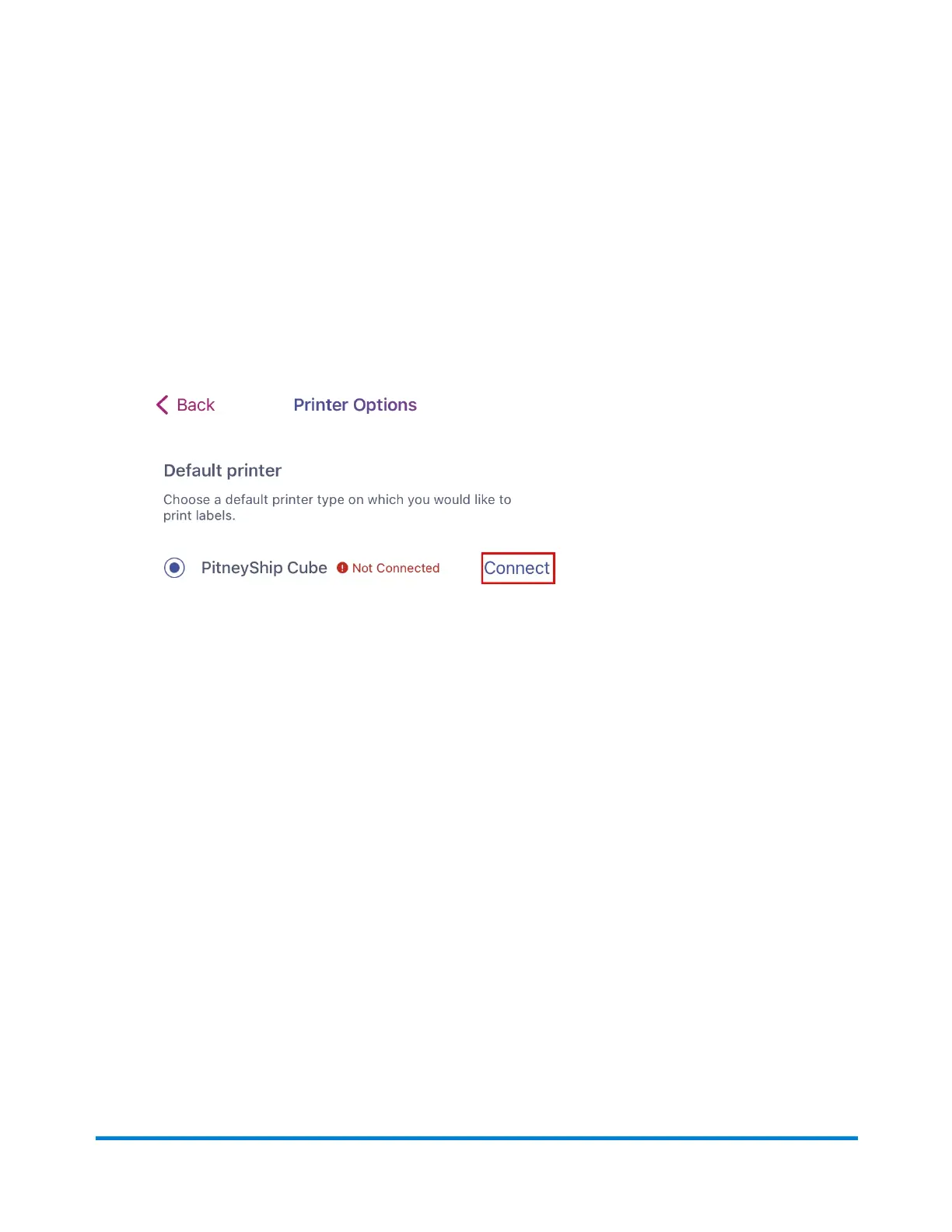
2. From the PitneyShip mobile app, tap More > Printer Options.
3. Tap Connect.
4. Tap Try Again on the "Unable to connect to PitneyShip Cube" error message.
2 • Connectivity
Pitney Bowes User Guide June 2023 71










 To Next Page