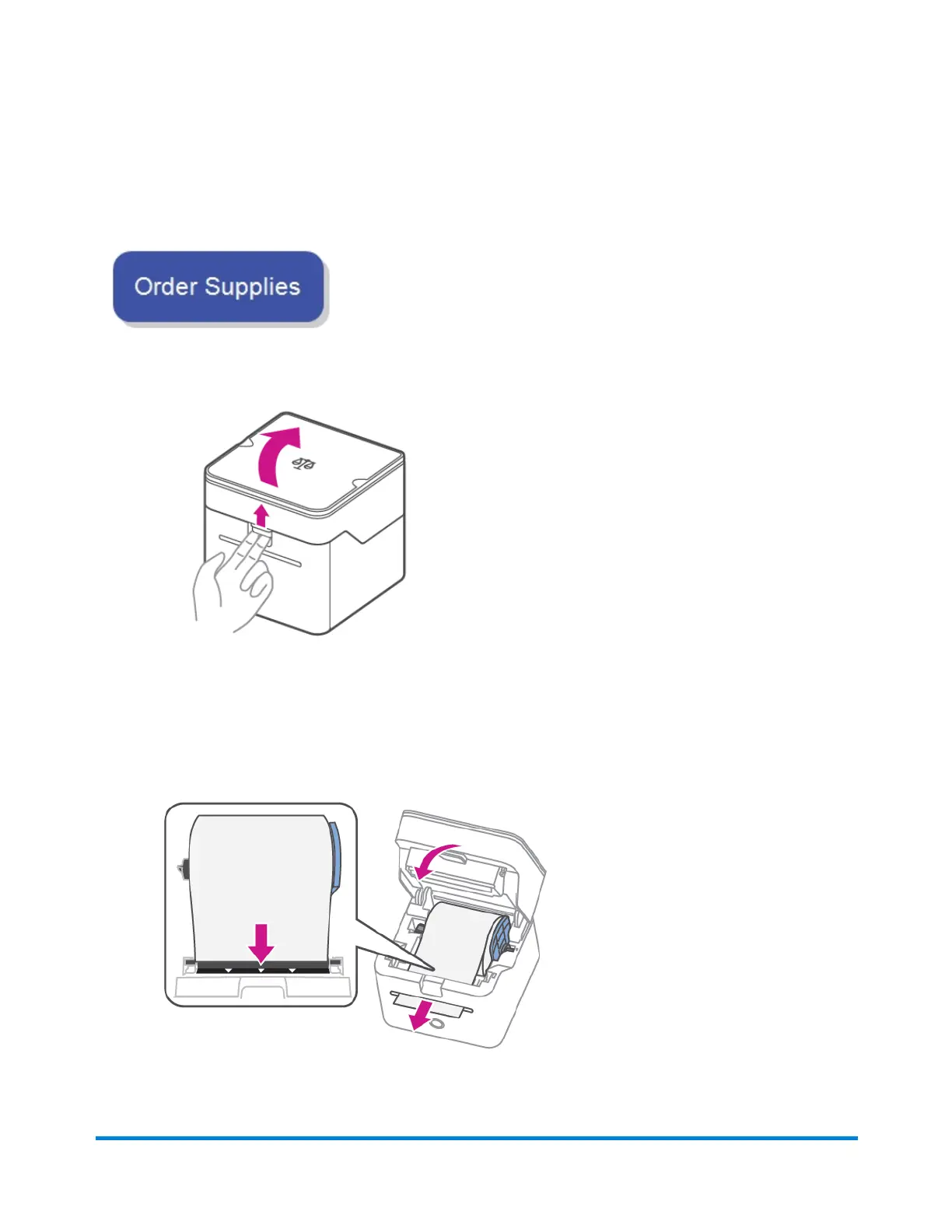
Changing the label roll on the PitneyShip Cube
You can use generic label rolls to print shipping labels on the PitneyShip Cube, however, to print
stamps, you will need to use the Pitney Bowes specific label roll as it contains the fluorescent strip
required by the USPS.
1. Open the label roll cover.
2. Remove the empty label roll.
3. Remove the protective tape from the new label roll.
4. Insert the new label roll into the printer.
5. Feed the label roll through the slot, and close the cover.
5 • Maintenance
Pitney Bowes User Guide June 2023 80










 To Next Page