Installing the PitneyShip Cube driver on an additional
computer
After initially installing your PitneyShip Cube, you may need to install the driver on another computer.
Select your operating system:
l
Windows
l
Mac
Windows
1. Log in to PitneyShip or PitneyShip Pro on the additional computer.
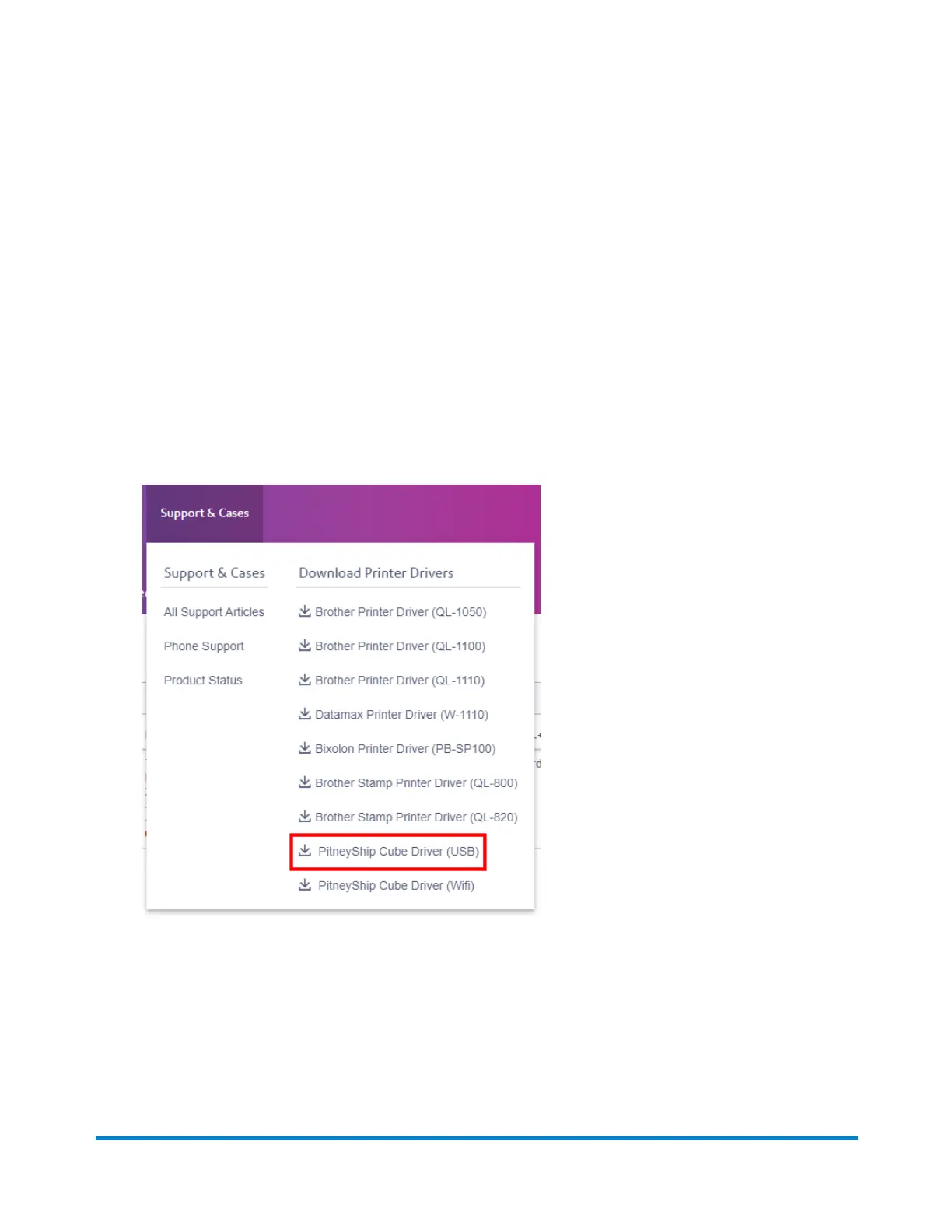
2. Select Support & Cases and download the PitneyShip Cube driver.
3. Once the download is complete, go to your downloads folder and double-click the PB_Printer_
and_Scale_driver.exe file.
4. When the installer window opens, accept the license agreement and click Next.
5. On the installation Directory, click Next.
6. Click Finish. After a few moments, the Seagull Driver Wizard will open.
7. To install printer drivers, click Next.
3 • Downloads and Drivers
Pitney Bowes User Guide June 2023 74










 To Next Page