4. Tap the Amazon icon from the list of stores.
5. Log in to your Amazon seller account and tap Sign-In.
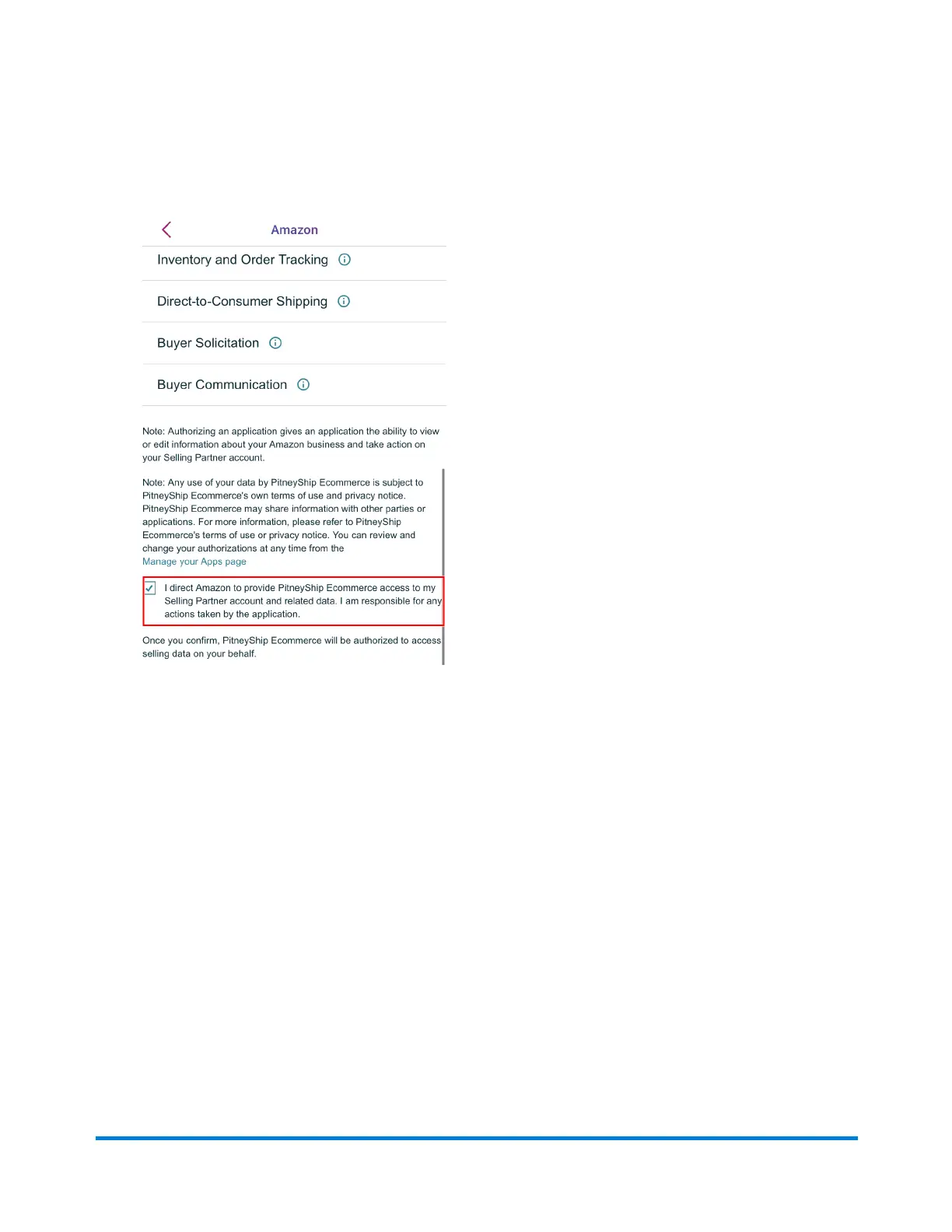
6. Tap the check box to allow the PitneyShip mobile app access to your Amazon Selling Partner
account. This step is necessary to sync your Amazon orders to the PitneyShip mobile app.
7. Tap Confirm.
8. The PitneyShip mobile app will connect to your store. Once the connection is complete, tap
Next.
9. (Optional) Select your default carrier settings and tap Done. Tap Skip This Step to exit and
complete your store's connection.
10. You will now be on the Manage Orders page. Swipe down to sync your orders.
Connecting your eBay store to the PitneyShip mobile
app
Connecting your eBay store to the PitneyShip mobile app allows you to manage data between both
platforms.
9 • PitneyShip mobile app
Pitney Bowes User Guide June 2023 95










 To Next Page