Installing PitneyShip Cube on a Windows PC using a
wireless connection (new user)
These instructions will guide you through a first-time installation of your PitneyShip Cube on a
Windows PC as a new PitneyShip user. These instructions are for users wanting to connect their
PitneyShip Cube using a Wi-Fi connection. Before you begin your installation, you will need your
mobile device to establish a Wi-Fi connection. .
1. Opening the box and unpacking
2. Creating your PitneyShip account
3. Connecting your PitneyShip Cube
4. Performing a test print
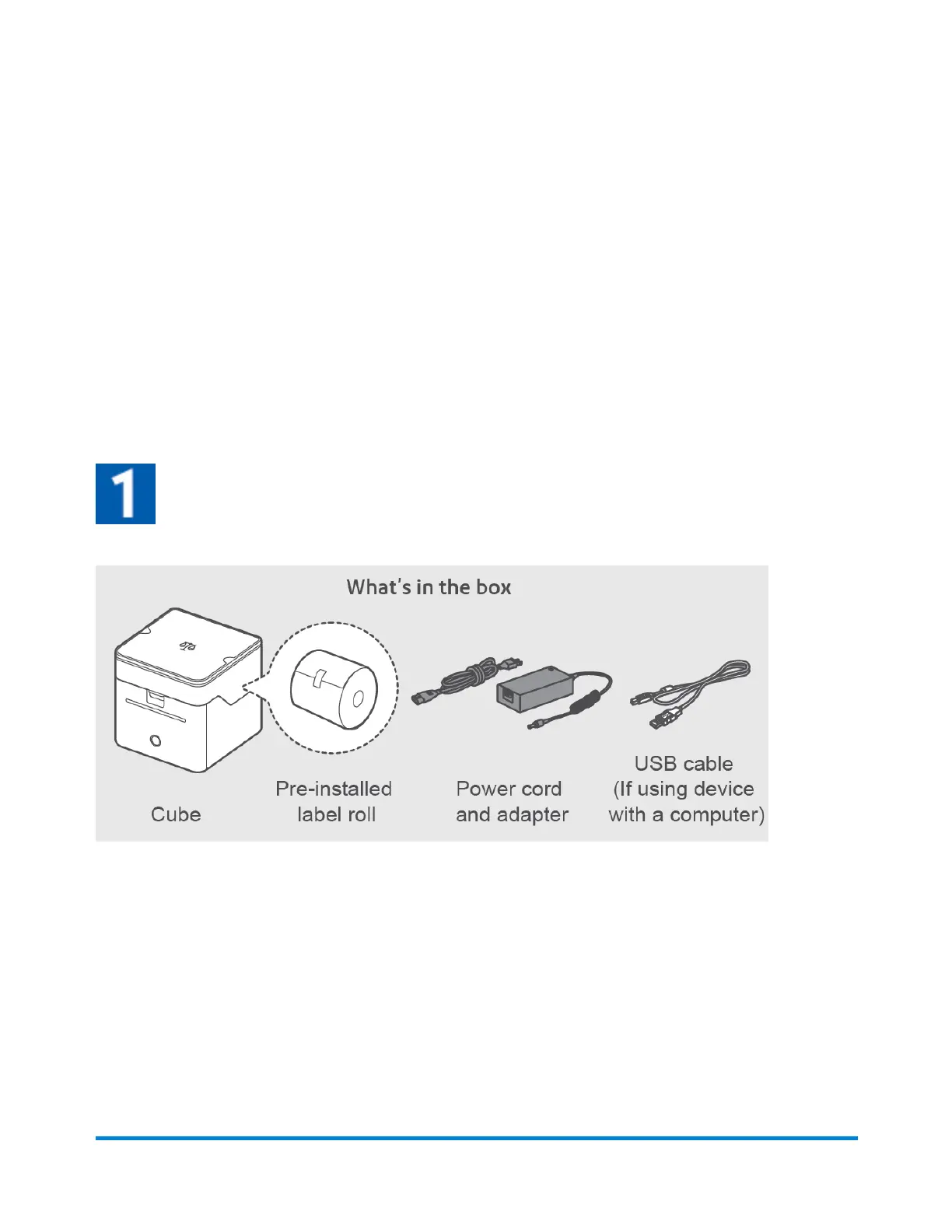
Opening the box and unpacking
Pitney Bowes User Guide June 2023 15
1 • Installation










 To Next Page