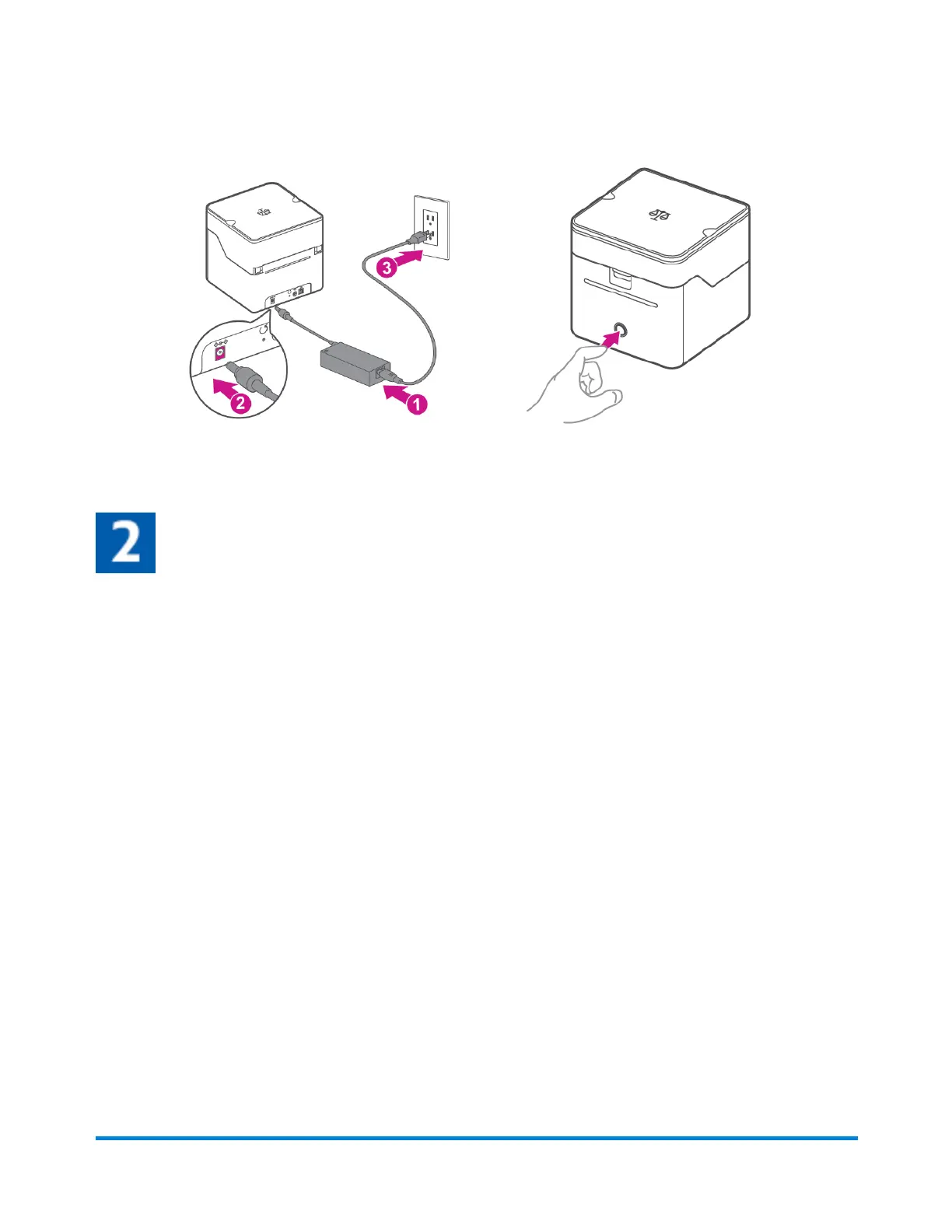
3. Connect the device to a power source and press the power button. The LED will light up orange
and then change to flashing white until your PitneyShip Cube is connected.
4. Set up and complete installation using PitneyShip.
Logging in to your PitneyShip account
1. Go to cube.pitneybowes.com.
2. Click Sign in. You will be redirected to the login screen.
3. Enter your email address and password and click Sign In.
4. Click on Get Started to begin your PitneyShip Cube installation.
Pitney Bowes User Guide June 2023 25
1 • Installation










 To Next Page