Connecting your PitneyShip Cube
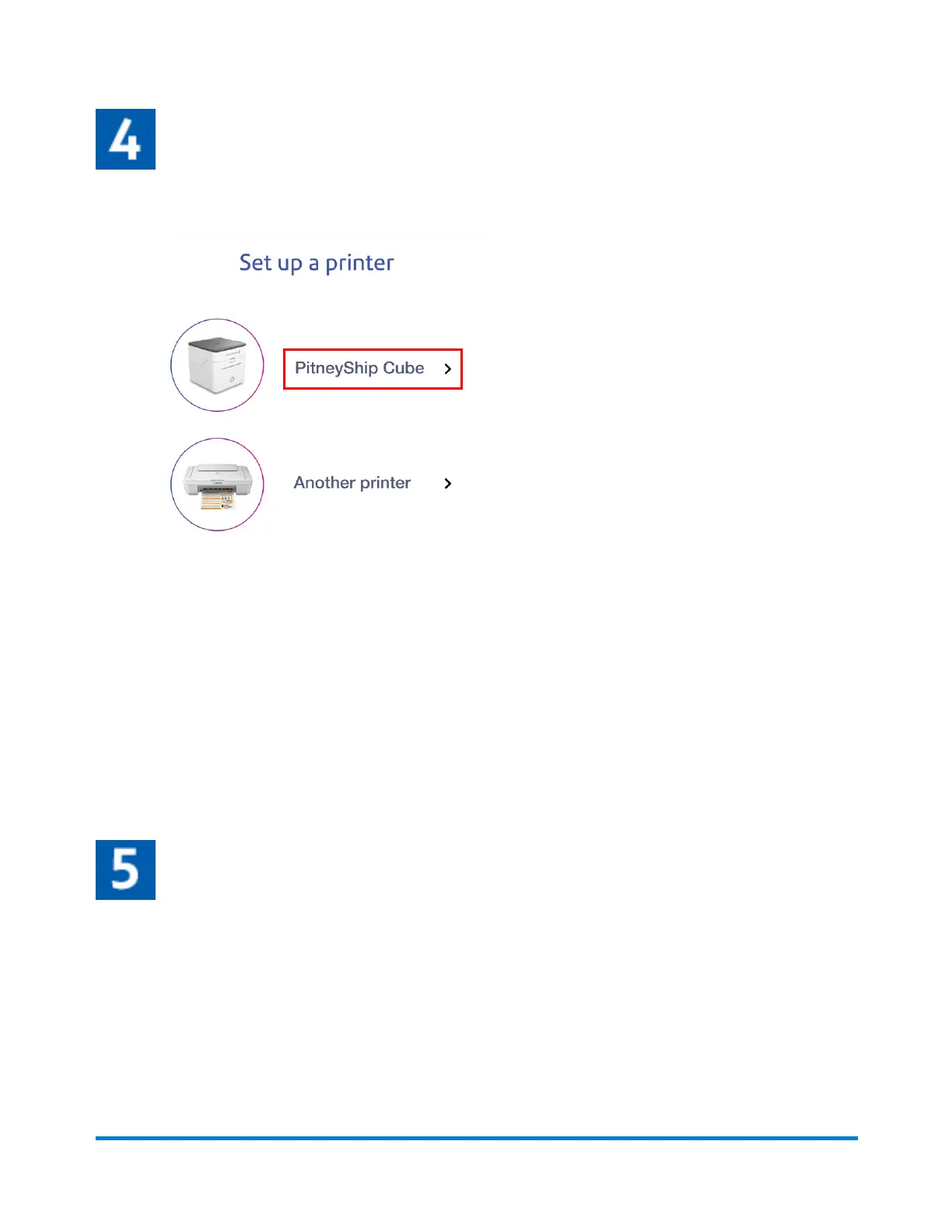
1. On the Set up a printer screen, tap PitneyShip Cube.
2. Tap Next.
3. Select your Wi-Fi network from the list of available networks, then tap Next.
4. Allow PitneyShip to use your location.
5. Tap Join to allow PitneyShip to join the PitneyShip Cube Wi-Fi network. If you do not see a list
of Wi-Fi networks, tap Refresh list and select your Wi-Fi network.
6. Tap OK to allow PitneyShip to find and connect to devices on your local network.
7. Type in your Wi-Fi password, then tap Connect.
PitneyShip Cube will now connect to your Wi-Fi network. This could take a few minutes to complete.
Once complete, you will be asked to perform a test print.
Performing a test print
You will need to feed the label roll into the slot before printing a test label.
Pitney Bowes User Guide June 2023 67
1 • Installation










 To Next Page