60
Time Zone: Select the proper time zone in the drop-down list.
NTP Server: Enter the IP address or domain name of NTP server.
NTP Synchronization (hours): Enter the time interval for synchronization.
DDNS Settings
Dynamic DNS Provider: Select the proper dynamic DNS provider in the drop-down
list. After selecting a dynamic DNS provider, you are allowed to set the following
parameters.
Account: Enter the username of DDNS provider in the field.
Password: Enter the password of DDNS provider in the field.
DDNS: Enter the domain name of your device.
Click Apply to make the configuration take effect. Click Cancel to cancel the new
configuration.
3.6.2 Upload Firmware
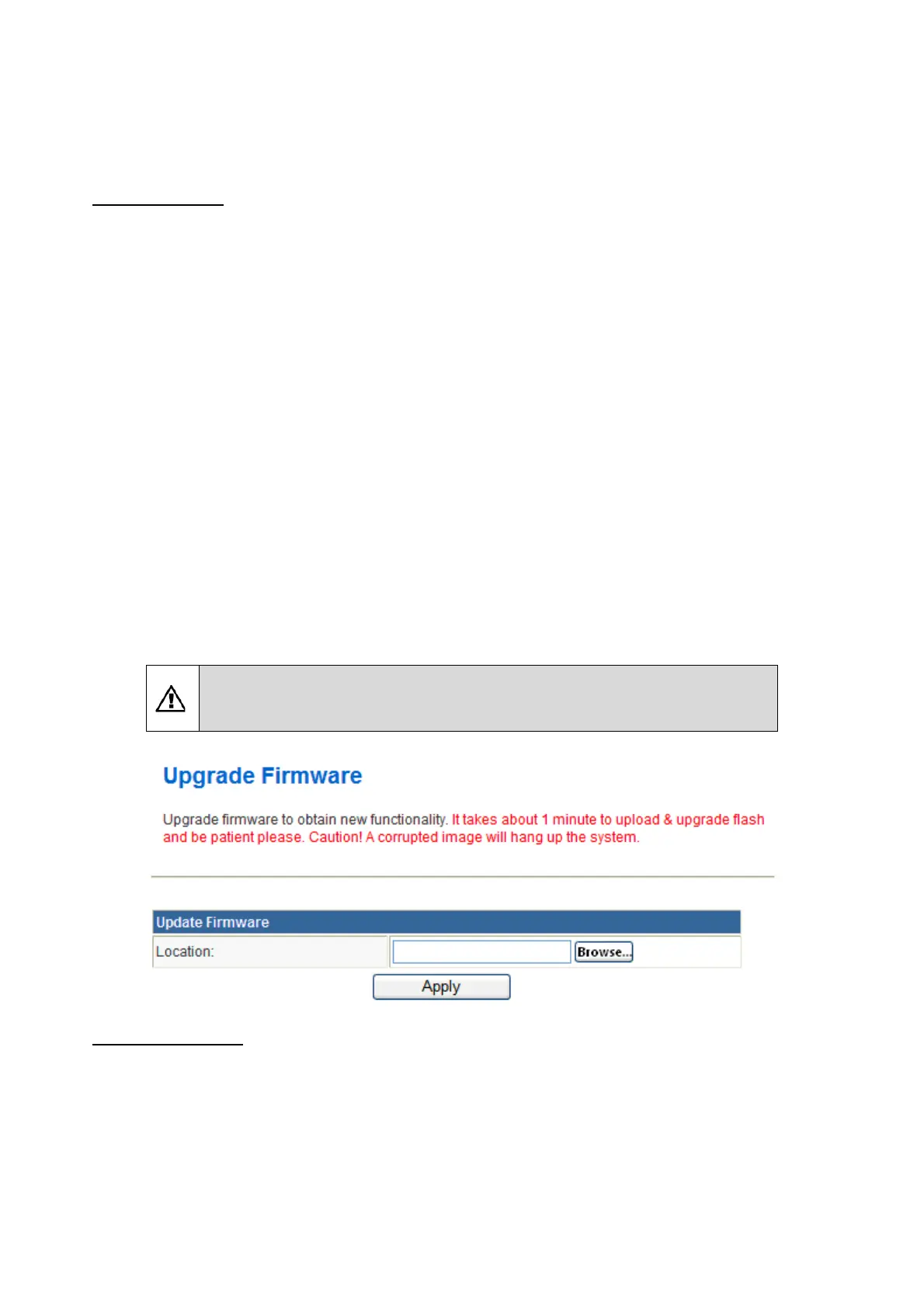
Choose Administration > Upload Firmware and the following page appears. In this page,
you may upgrade the correct new version firmware to obtain new functionality. It takes
about 1 minute to upload upgrade flash.
If the firmware is uploaded in an improper way, the system would
core dump.
Update Firmware
Location: Click Browse to select the firmware file, and click Apply to upgrade the
firmware.



 To Next Page
 Loading...










