- 25 -
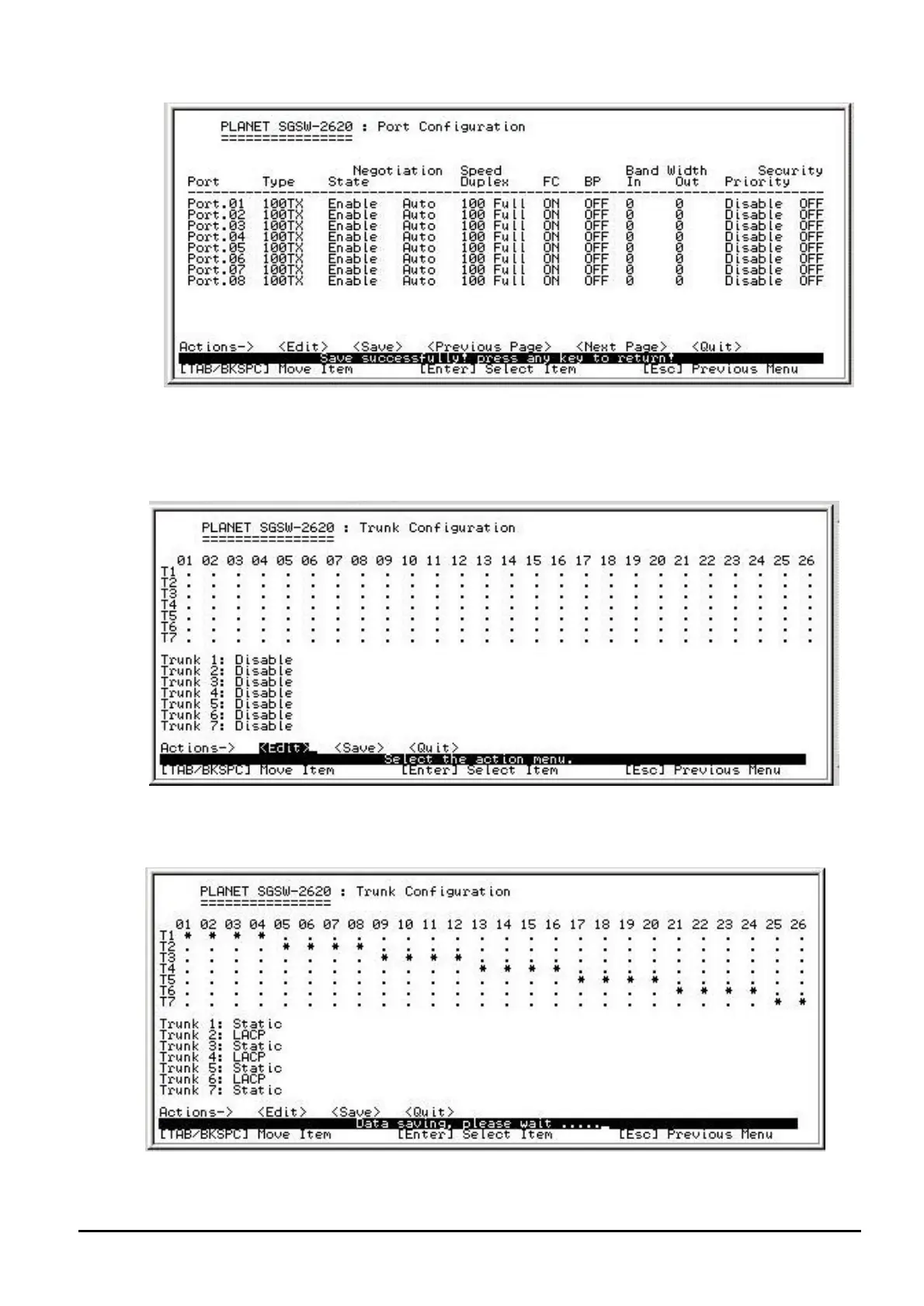
Figure 4-20 Port Configuration save successfully screen
4.4.2.3 Trunk Configuration
From the Switch Configuration sub-screen (see Figure 4-9), highlight Trunk Configuration and press
enter. The Trunk Configuration screen in Figure 4-21 appears.
Figure 4-21 Trunk Configuration screen
Press ” Edit” to configure the trunk group. After setup completed, press “ESC” and choose “Save” to
save the current configuration. The following screen in Figure 4-22 and 4-23 appears.
Figure 4-22 Save Trunk Configuration process screen


 To Next Page
 Loading...