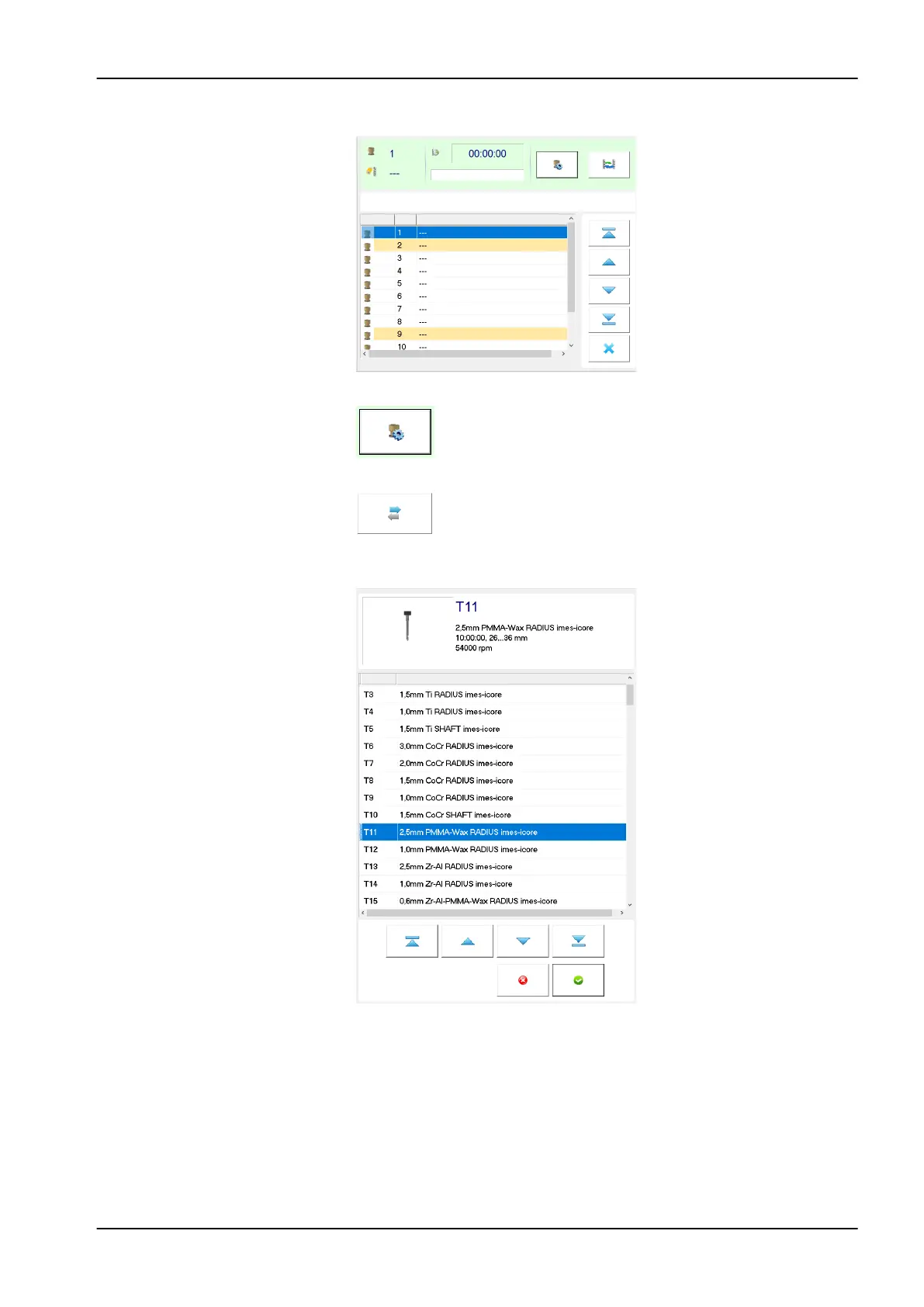
3. Select the desired tool position, for example number 1.
4. Press the Edit tool field button.
5. In the appearing window, click the tool registration button.
6. Click the tool you will install inside the magazine and confirm your choice
by clicking the green Confirm button.
8 Operating milling unit
User's manual Planmeca PlanMill 50 S 55














 To Next Page