Symbol Designation Description
Tool broken Indicates a tool length error. In this case check
whether the tool is broken.
9.6 Registering tool in software
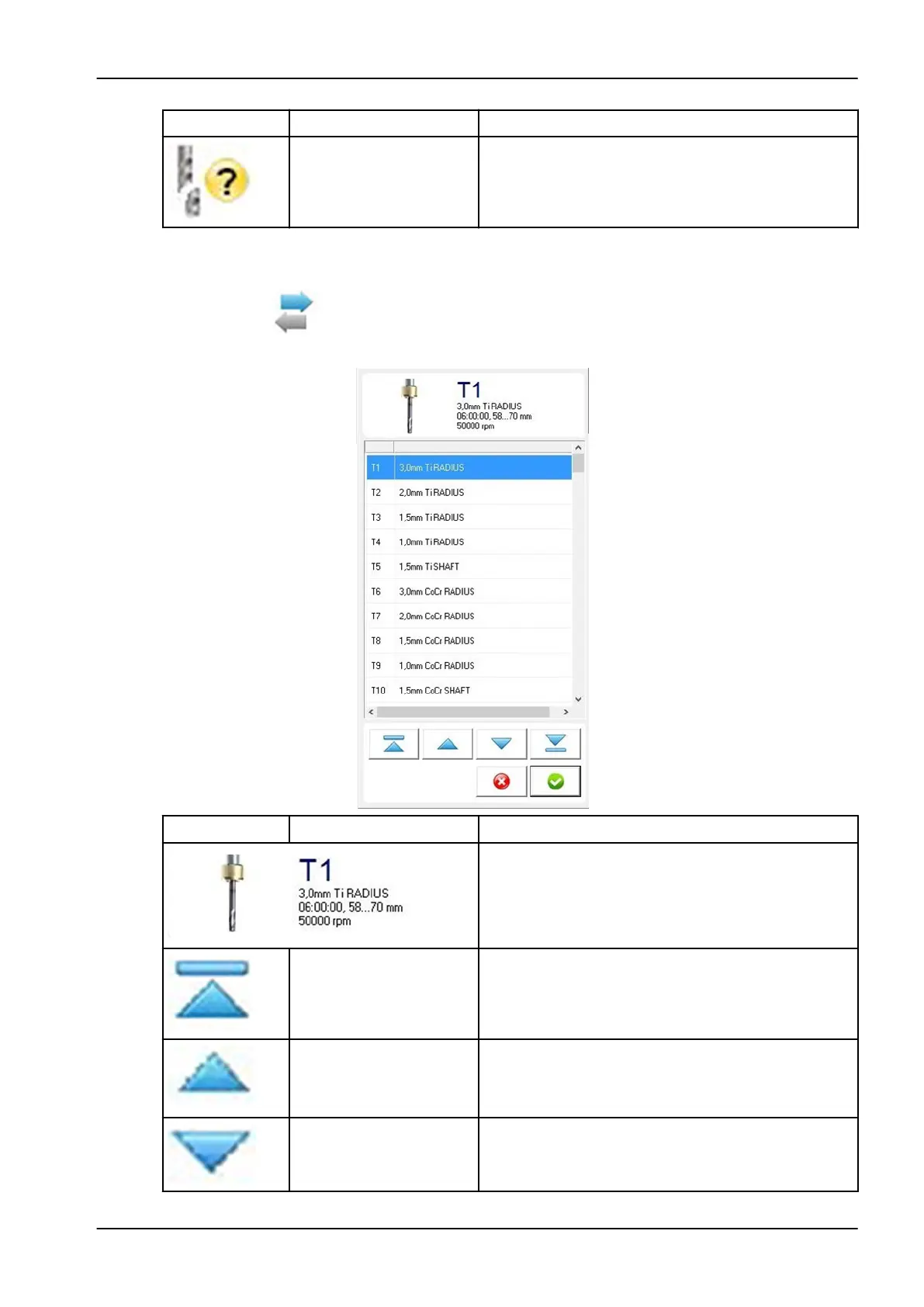
1. Click the tool registration button.
2.
In the following window, click on the tool you would like to register.
Symbol Designation Description
When a tool is selected on the list its properties are
shown in this field.
Navigation arrow (ten
steps up)
For navigating upwards through the tool list, ten steps
at a time.
Navigation arrow (one
step up)
For navigating upwards through the tool list in single
steps.
Navigation arrow (one
step down)
For navigating down through the tool list in single
steps.
9 Control software
User's manual Planmeca PlanMill 50 S 73














 To Next Page