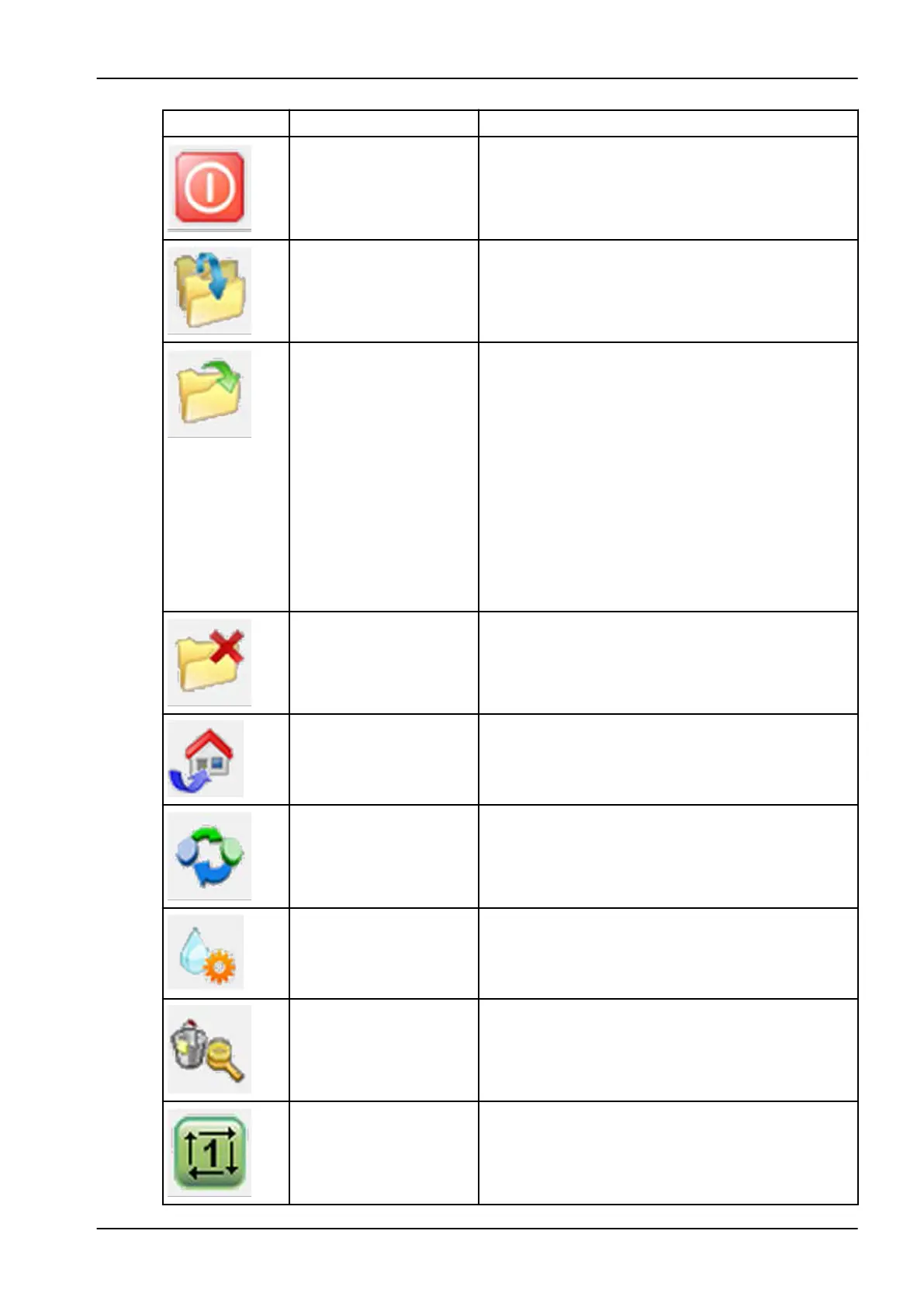
Symbol Designation Description
End program The control software is exited and closed. The control
is also reset. In order to access the control software
again, it must be restarted (see section "Starting
software" on page 63).
Transfer milling files The milling files from CAM software are transferred
over the local network into the folder C:\NC_Daten
\Planmeca Plan Mill 50 S (see section
"Process description" on page 59).
Open milling program Opens a new window, see the figure below this table.
In this window it is possible to open stored milling
files. The folder Planmeca PlanMill 50 S is
opened by default. This folder contains the sub-
folders archive and calibration body, as well
as the milling files stored in this folder by the function
transfer milling files (see section "Process
description" on page 59).
The archive folder contains milling files moved into
this folder with the Archive milling files function.
The calibration body folder contains milling
programs for the creation of a calibration body
("Process description" on page 59).
Archive milling files This button moves all files out of the Planmeca
PlanMill 50 S folder into the archive folder.
Return to home position Use this button to move the milling unit to home
position.
Blank change position The workpiece adapter is turned in the horizontal
position and is now in the blank change position.
Start wet milling
Drive to cleaning position The milling unit drives to a cleaning position. This
eases the cleaning of areas inside the milling unit that
are difficult to access.
Program start Starts a loaded milling program. If no milling program
is loaded then pressing this button takes the user into
the Open milling program menu, from which it is
possible to select a milling program.
9 Control software
User's manual Planmeca PlanMill 50 S 65














 To Next Page