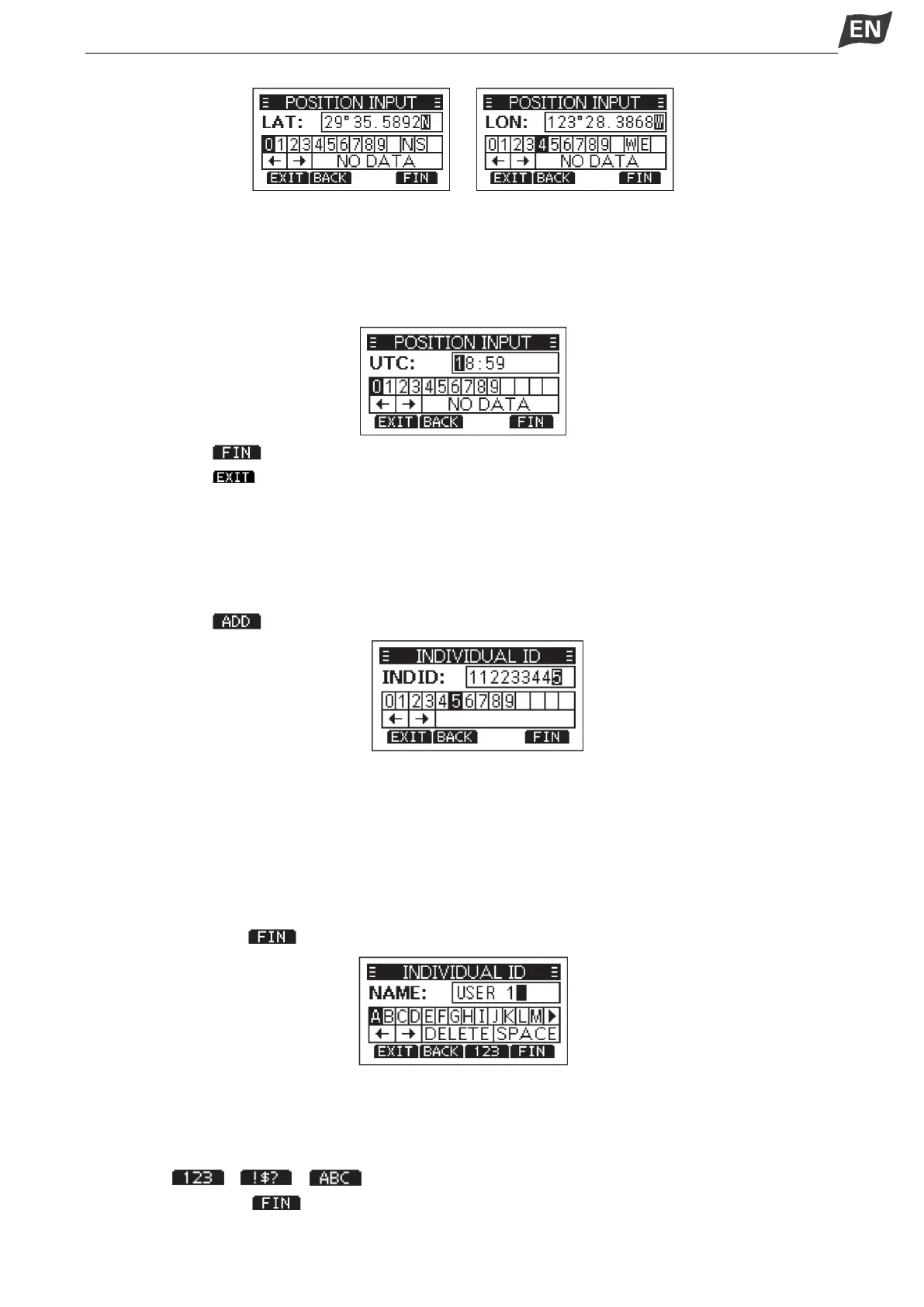
·Move cursor to “W” or “E” to select W (West Longitude) or E (Eest Longitude).
3. After position is input, press [OK] to confirm.
4. In the UTC time editing interface, enter the UTC time as follows.
·Press [◄]/[►] to select desired number.
·Press [OK] to enter.
·Select ”←” or “→”, or rotate [DIAL] to move the cursor, then press [OK].
5. Press softkey [ ] to confirm position and time setting.
6. Press softkey [ ] to return to standby interface.
·The entered position and time are displayed on the operating screen.
◆ Entering an Individual ID
You can enter a total of 60 Individual IDs, and assign names to them of up to 10 characters.
1. Display the “INDIVIDUAL ID” screen.
·”NO ID” is displayed if no ID is entered.
2. Press softkey [ ], “INDIVIDUAL ID” entry screen is displayed.
3. Enter an Individual ID:
·Press[◄]/[►]to select the desired number.
·Press [OK] to input the selected number.
·Select “←” or “→” to move the cursor, then press [OK].
※ The first digit is fixed as “0” for a Group ID.
※ The first two digits are fixed as “0” for any coast station ID.
4. Repeat step 3 to enter all 9 digits.
5. Then press softkey[ ] to start entering the name.
6. Enter an Individual ID Name:
·Press[▲]/[▼]/[◄]/[►] to select the desired characters.
·Press [OK] to input the characters.
·Select “←” or “→” to move the cursor, then press [OK].
·Press [ ]/[ ]/[ ] to select numbers, characters and letters.
7. Then press softkey [ ]to save, and return to the previous screen.
·The entered Individual ID name is displayed.


 To Next Page
 Loading...


