18
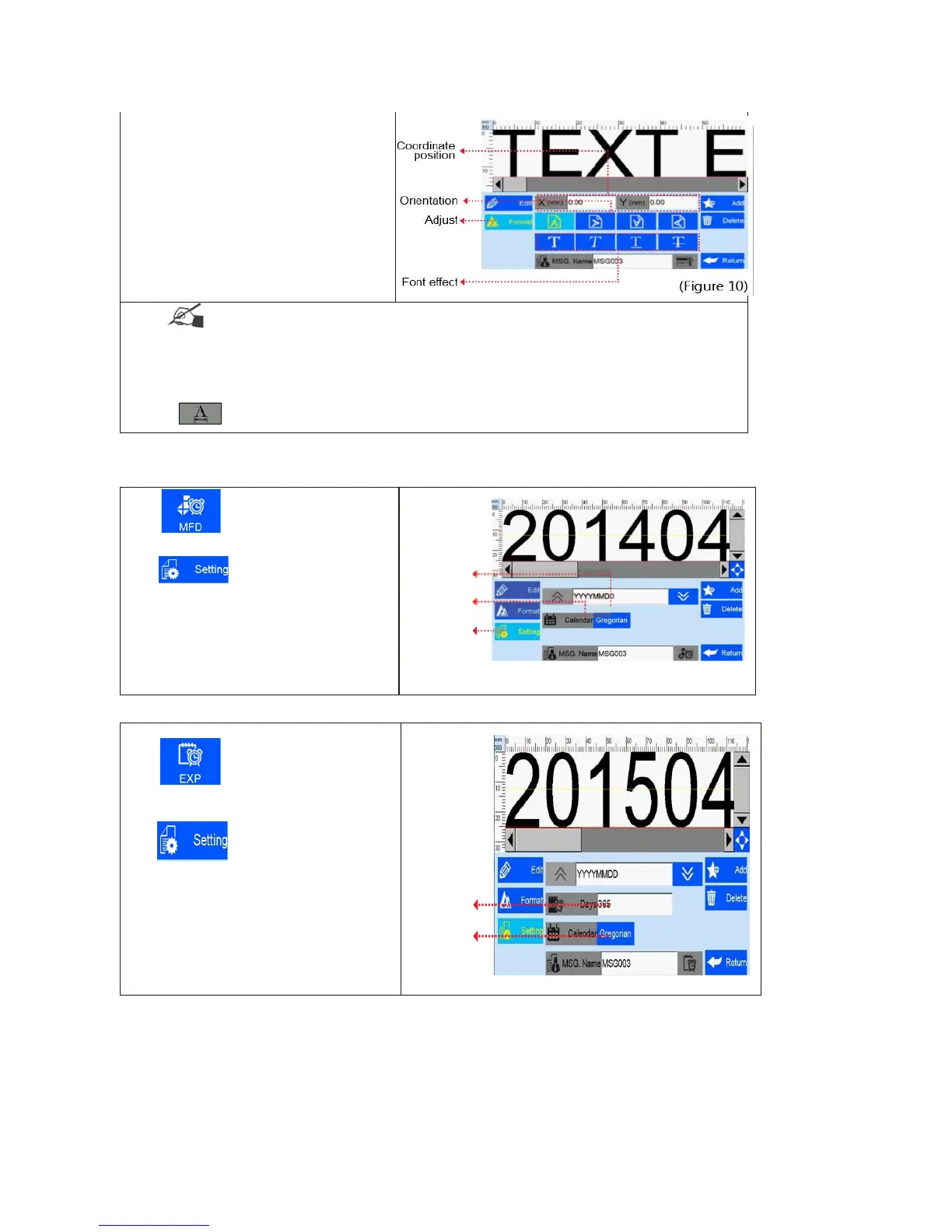
Note: Please refer to this Section ( 5.3.2) regarding how to add objects as “production date”,
“expiration date”, ”image”, ”counter”, ”shift code”, “dynamic text” "dynamical logo", but the content of
“production date”, “expiration date”, ”counter”, ”shift code”, “dynamic text” "dynamical logo" cannot be
revised or adjusted directly when you add, and the font, height, content and font effect of “image”
"dynamical logo" cannot be revised directly. There is no option for horizontal scale for “image”
“barcode”, "dynamical logo".
5.3.3 Add Production Date



 To Next Page