C.
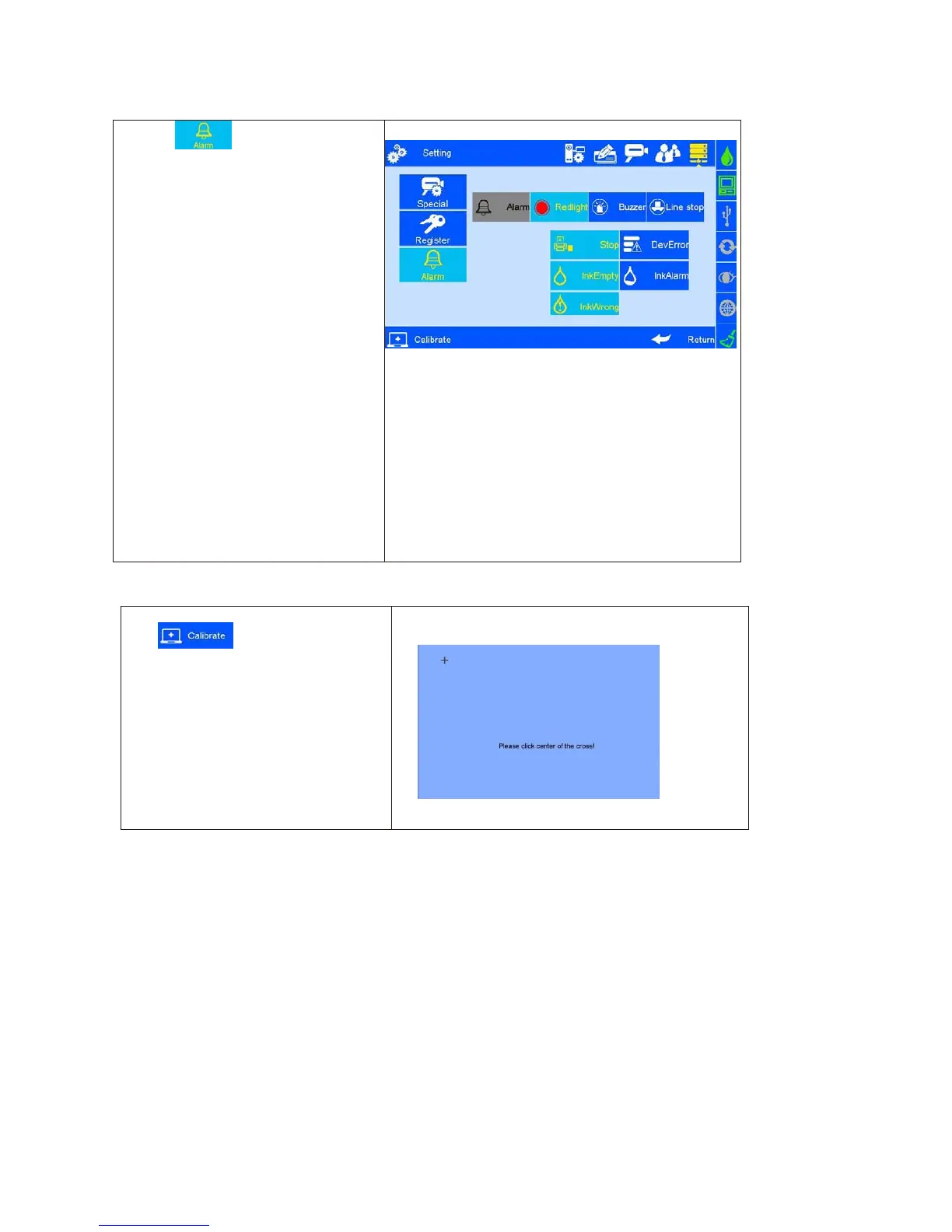
Click and enter Alarm
settings. Three options as below: Red
Light, Buzzer or Line Control ( Image
40 ).
Red Light: When the device is in
the following selected state, the
tricolor light for warning
Buzzer: The tricolor light will issue
a buzzer alarm.
Line Control: The tricolor light will
turn to yellow for warning and stop
operation.
When the above situation happen,
printer will transfer the error signal to the
production line via DB15 ports, user can
set up the production operation like stop
or etc.
Calibration ( Image 41).
Note: Please calibrate screen when
inaccurate screen position occur, click
Icon “+” as screen hint ,it will exits
automatically after screen calibration
finished, a verification message indicates
success or failure operation.



 To Next Page