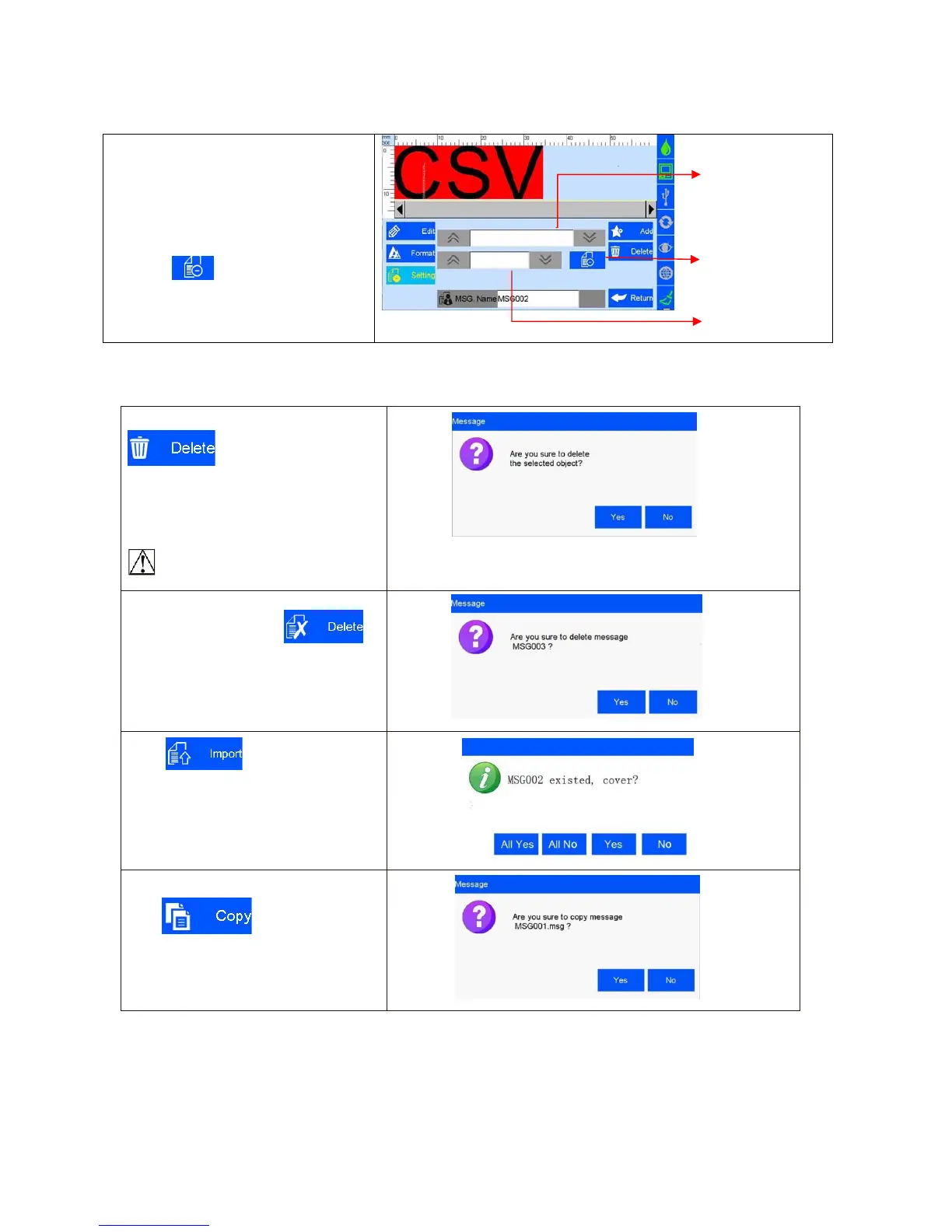
Click CSV to add the CSV file
A. Put the CSV file under the U disk
(Inkjet/CSV/) path
B. Inserts the U disk into the device. The
device automatically identify the CSV file
and switch options
C. Select the file, Switch and choose the
required content
D. click on No print for the first line,
click again to switch to the first line to print
5.3.14 Delete Object or Delete/Import /Data copy
Select an object on data edit interface,click
to delete the object, and a
dialog box appears ,please refer (Image
24)
Select the file on the file list of data
management interface , click
to delete the file, a dialog box appears,
please refer Image 25.
Note: All data in printing cannot be
Deleted
Click in File Management
interface, it will import all files saved in U
disk under defined route. A dialog box
remind you to cover or not.
Select an object on data editing interface,
Click to copy data ,“C1”
be added on the original data name after
data copied. E.g. the files name of
MSG001 will changed to MSG001C1 .



 To Next Page