24
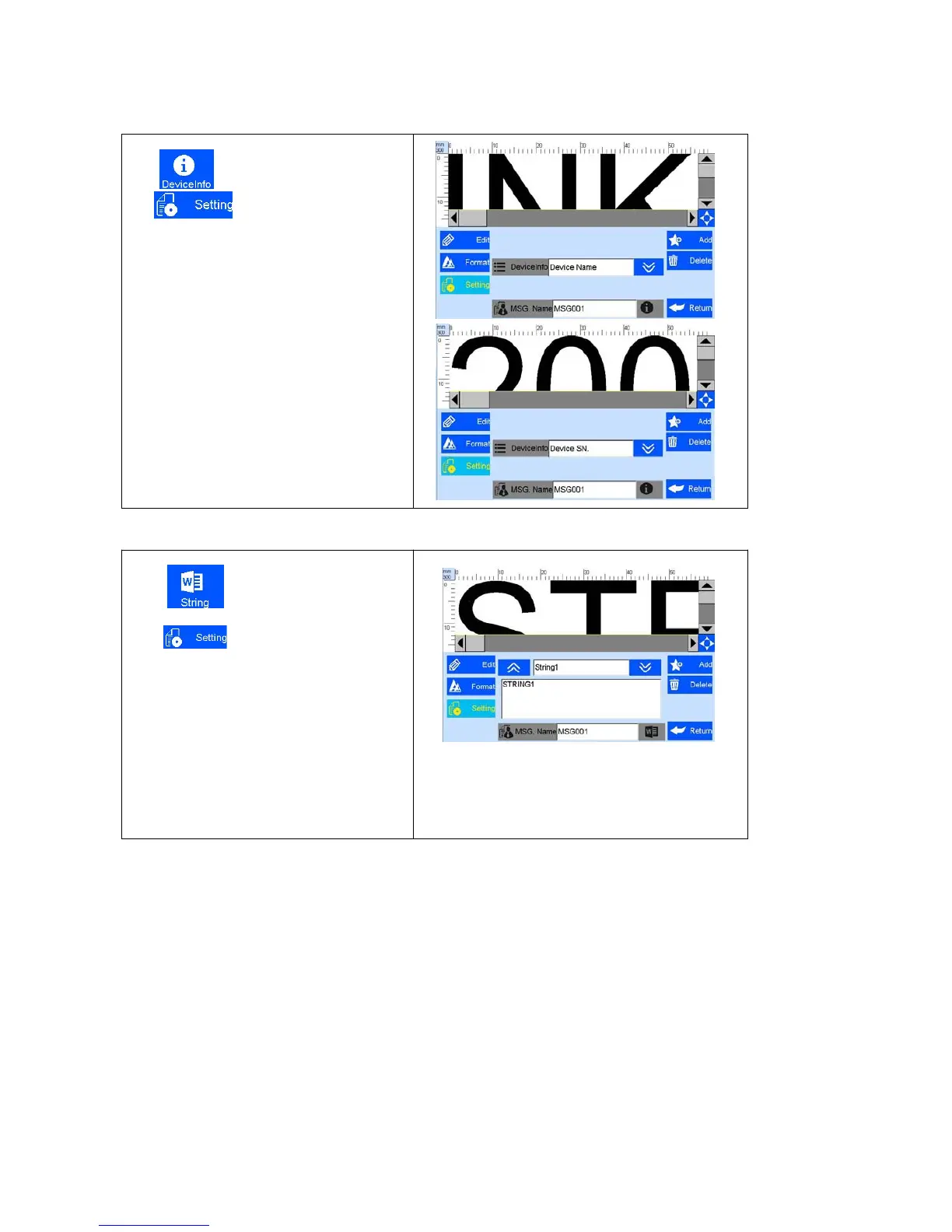
5.3.11 Add Device Information
Click , add device information;
Clip , enter device information
setting interface, choose device name and
device SN No available
Device name can be defined by entering 5.4.5
user management to define and device SN
can’t be changed.
Click to add string.
Click to enter the string setting
interface. The system default can add 5
different strings. single data allows maximum
20 string objects, each string with maximum
75 character.
Note: when add the same string, other same
strings will be modified automatically once one
of strings modified.



 To Next Page