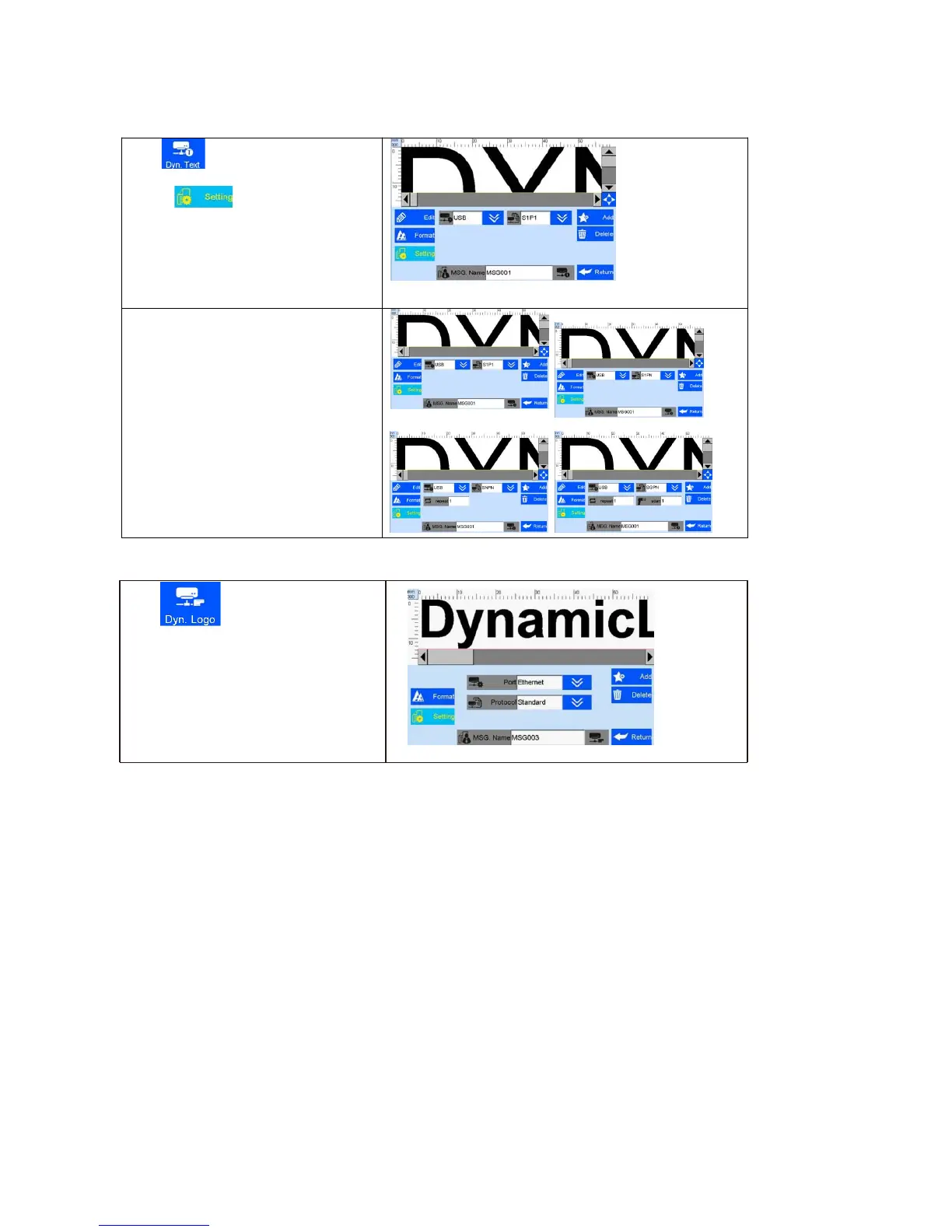
Clip to add dynamic text.
A. Clip to enter the interface of
dynamic text setting, and you can choose
dynamic transmission path and
communication protocol
B. Scan printing
Port is USB, selection modes are:
S1P1: scan one while printing one
S1PN:scan one while printing multiples
until next scan data
SNPN:scan multiples while printing
multiples, repeated print times also
available
SGPN: Fix scan numbers and print
numbers,repeated print times and scan
numbers available
Note: please refer to step 5.3.9 to add
dynamic text, set the data transmission
path and communication protocol.



 To Next Page