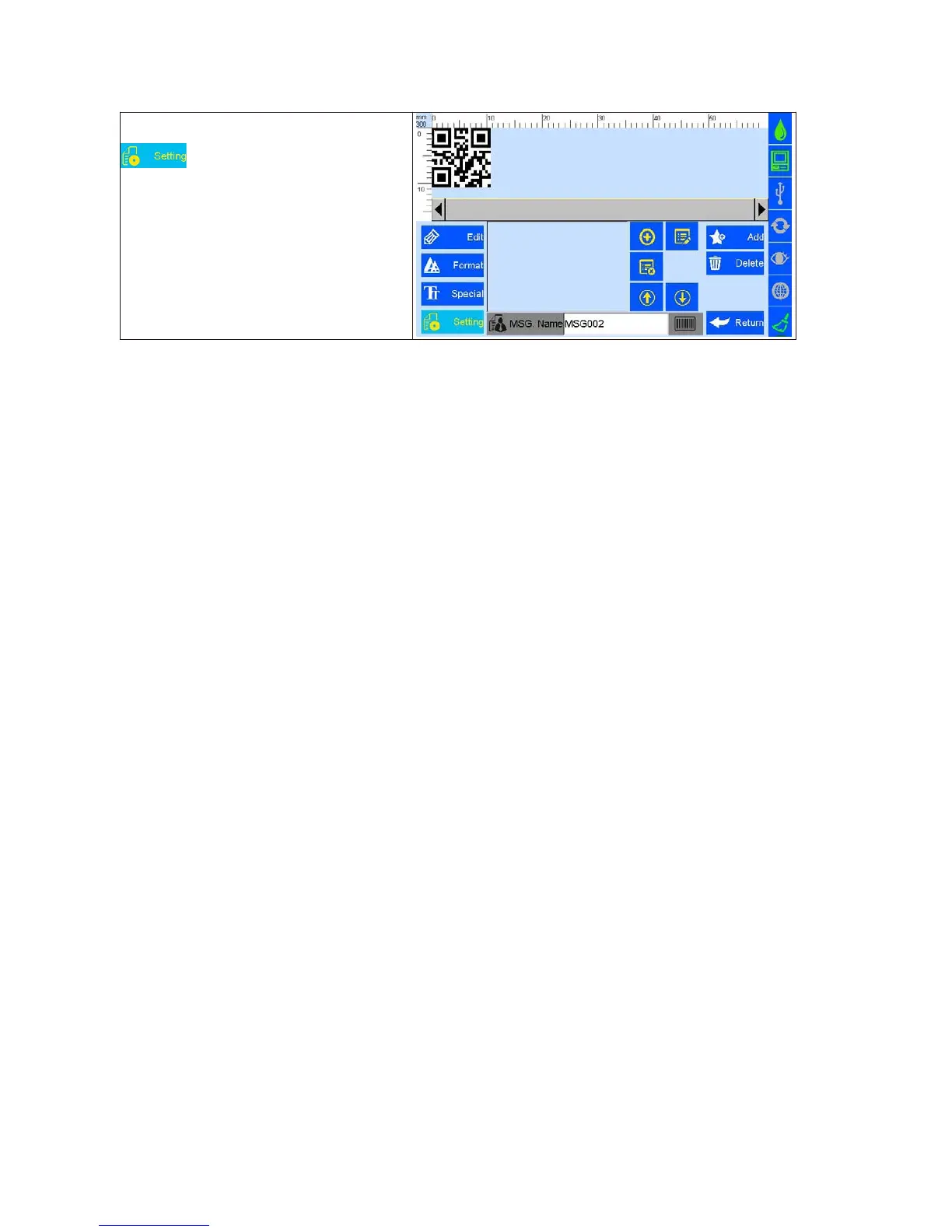
D. Click
Enter barcodes setting interface:
User can create, edit and delete data sources
inthe barcode content.The data sources including
10 objects: text,production date expiry date
counter, shifts, dynamic text, device info, CSV,
string and carriage return.
After create a new object,
its name will show up in the list, user can sort the
objects by up and down arrows.



 To Next Page