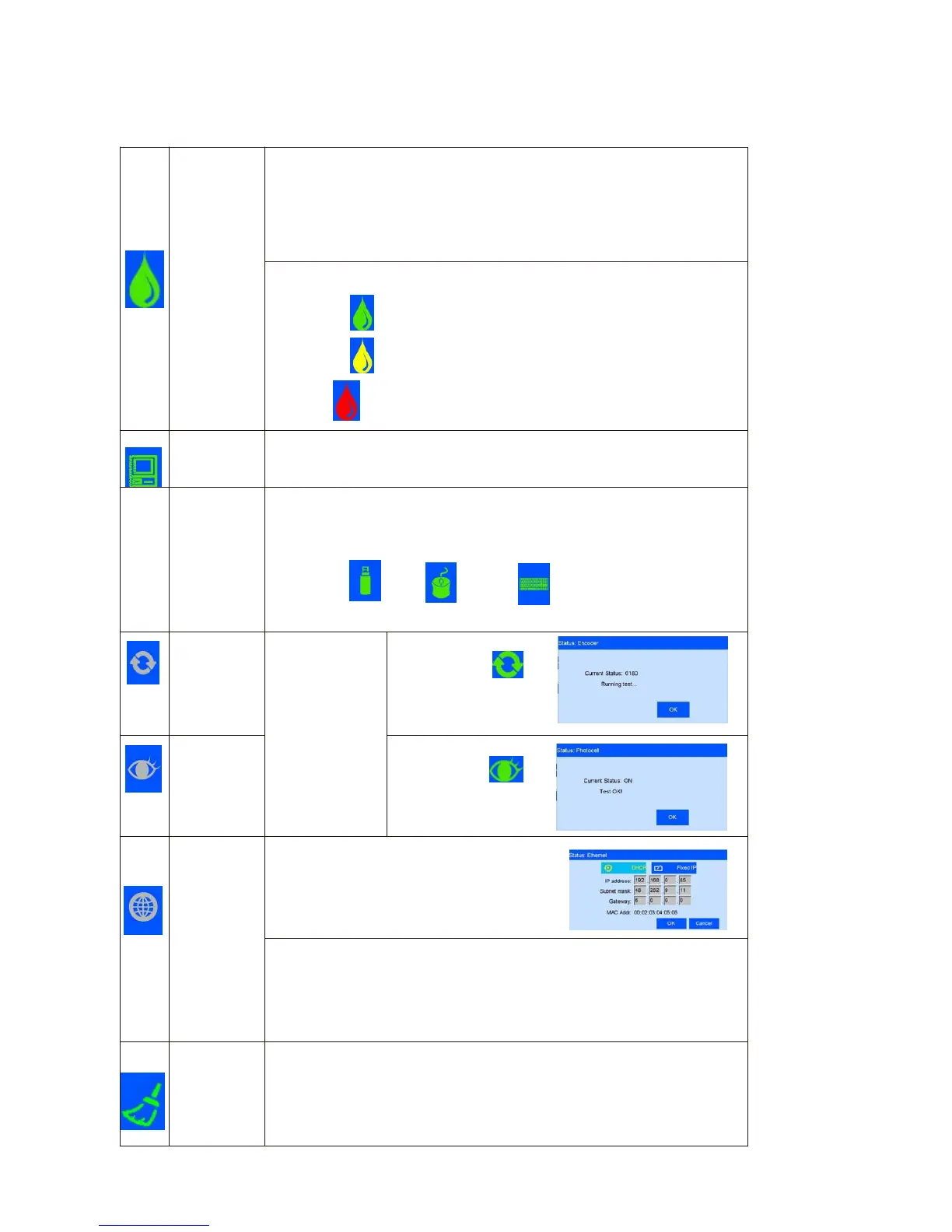
Ink information including dynamic and static information.
Static information including cartridge serial number, client
code, cartridge type.
Dynamic information:
1) Ink original volume , output volume for current printing data.
2) Ink used in percent, the remaining ink available for current data.
Ink status icons include:
1) Normal ( ): Normal ink status.
2) warning ( ): ink volume lower than 10%;
3) Error ( ): use wrong cartridge, cartridge uninstall, or ink use out.
Hardware and software status of printer.
Automatically displays the corresponding icons based on the type and status
of the device that the USB is connected .
Support three connection: USB , mouse, and keyboard.
Status: disconnection (gray), normal connection (green), warning (yellow)
These icons USB mouse keyboard will display once
device connected successfully
Displays encoder
or photocell
connection status
like
disconnection
(gray) and
normally
connection(green
).
When encoder is
connected, click
to enter encoder
signal testing
interface
When photocell is
connected, click
to enter photocell
signal testing
interface
The printer connection to computer is realized by
Ethernet port, therefore realizes device operation
and upgrade transmission on PC end.
Information including IP, mask code, gateway,
MAC; IP, mask code and gateway can be gained
automatically or manual input
Status including: disconnection (gray color);
Normally connection (green color, interaction with PC software normal);
Warning (yellow color, abnormal interaction with PC software ,
connection failure, the PC software not open, computer not turn on etc.)
Status including:
Failure status(gray)and one key cleaning
invalid while printing going on
Valid status (green) one key cleaning
available



 To Next Page