10
POSEIDON M28 USER MANUAL
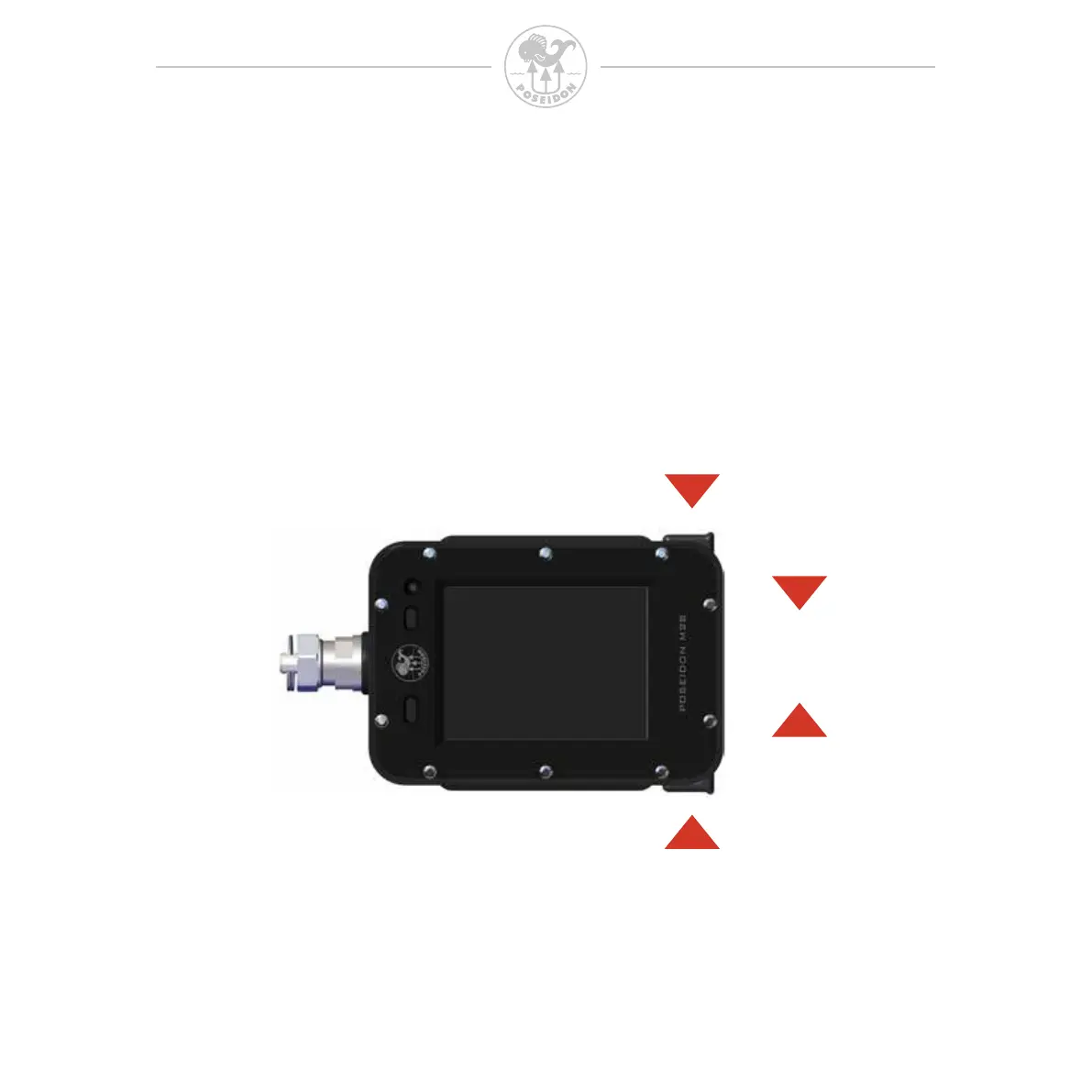
Button function
UP
DOWN
ENTER
Once the M28 is fully powered up, it is ready to use. To operate and access functions,
use the two buttons. The interface is very intuitive to use and is described in the gure
below. Press both buttons simultaneously to enter the menu system, then scroll up or
down and press both buttons simultaneously again to select the highlighted option.
After 30 seconds of inactivity, the M28 dismisses the menu and returns to the previous
screen.



 To Next Page