14
POSEIDON M28 USER MANUAL
Center area
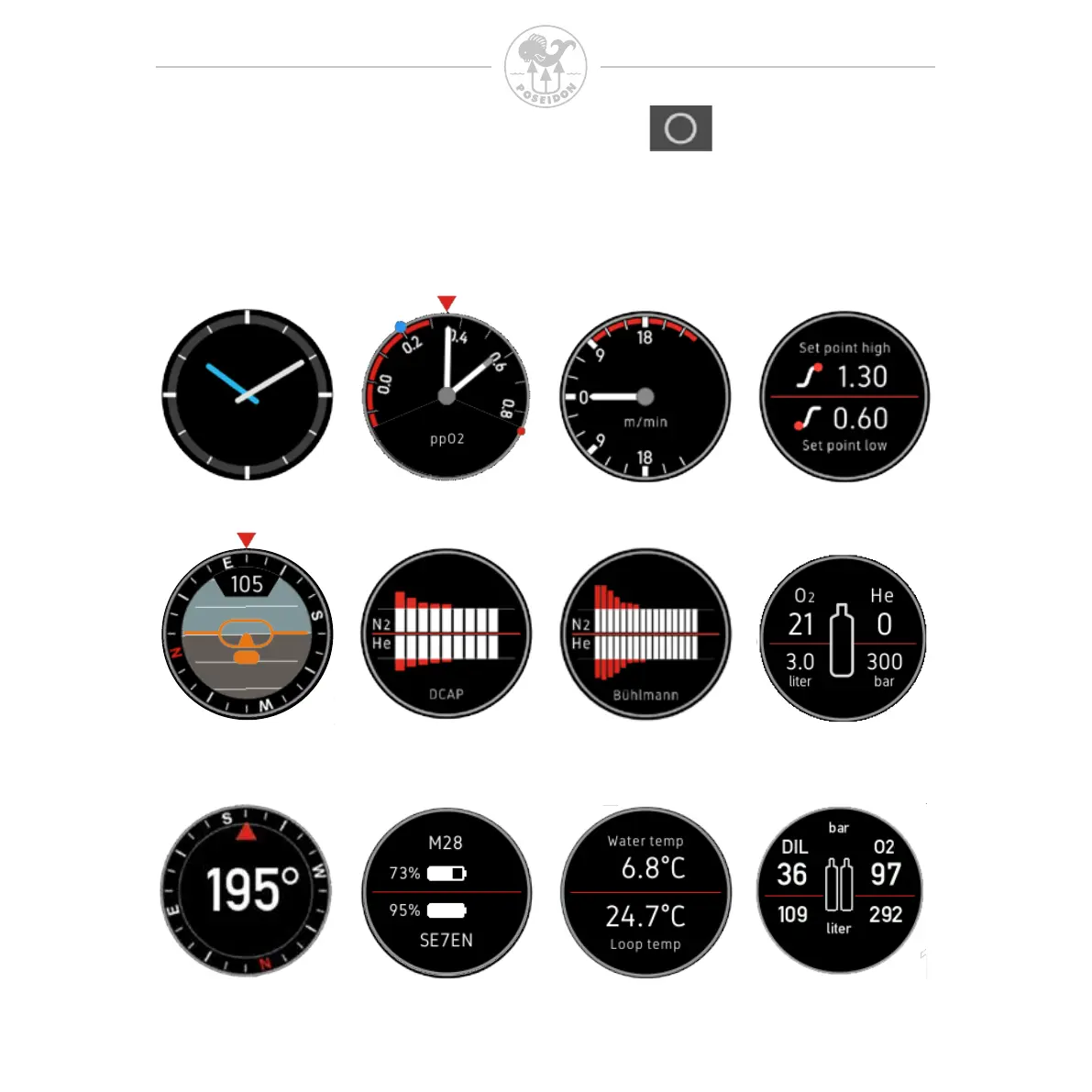
The M28 gives the diver the option to select what information that shall be
displayed in the center area. You can cycle through the available center area
content using the up or down key. The available content options varies with the
selected App and Dive mode.
Clock
ppO
2
gauge Ascent/Descent
rate
Compass
and Gyro
DCAP
tissue graf
Bühlmann
tissue graf
Cylinder pressure
and gas
Battery status Temperature
Setpoint
Compass Onboard gas supply



 To Next Page