53
POSEIDON M28 USER MANUAL
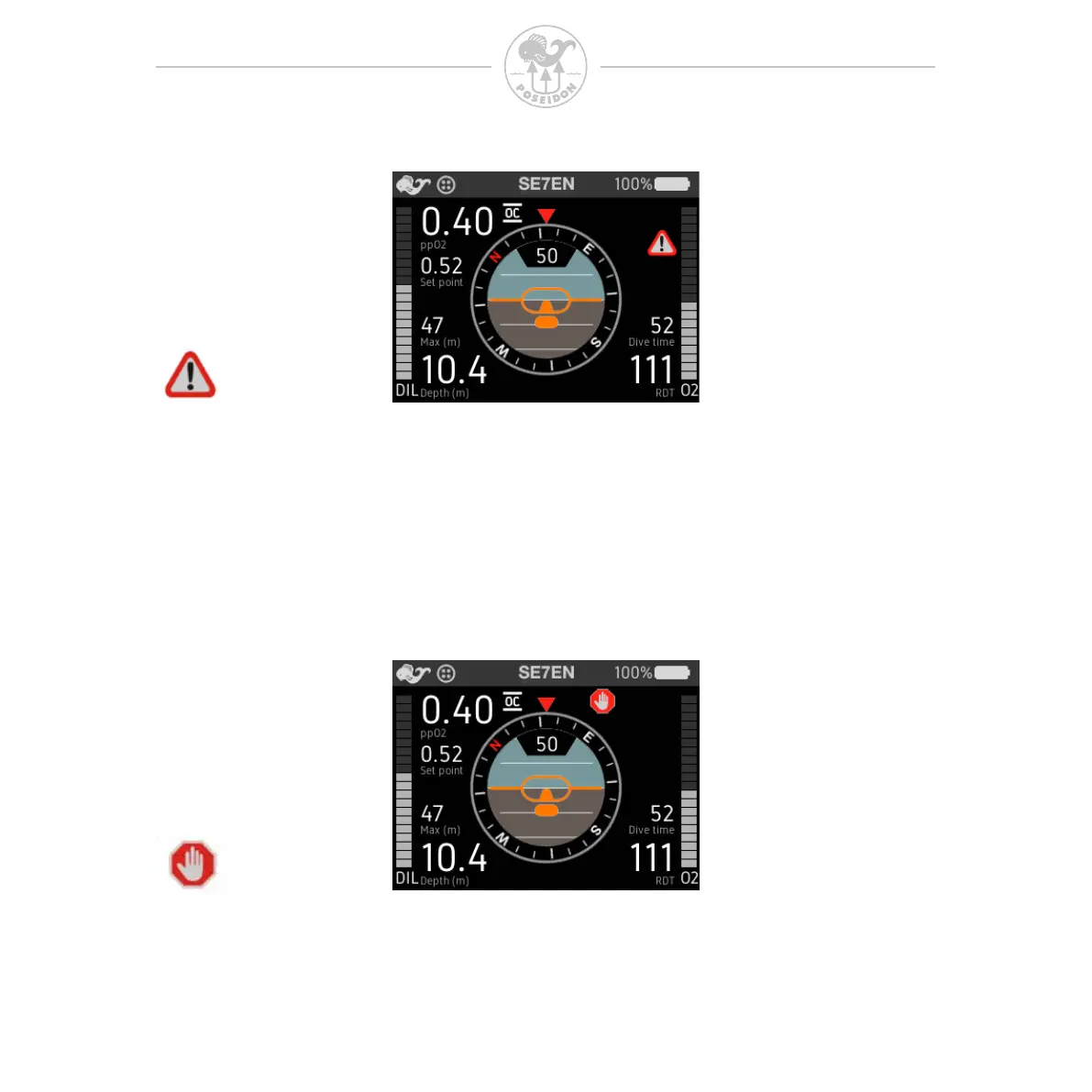
General alert
The General alert symbol located in the Alarm Signal Area will ash in synchrony
with any other parameter(s) on the screen that is/are inappropriate or out of
acceptable range. This signal is intended to catch the diver’s attention, and
prompt the diver to scan the other elements on the screen to see which value(s)
is/are also ashing. As long as one of the other displayed values on the Primary
Display is ashing, the General Alert symbol will also ash.
Stop alert
The Stop alert symbol located in the Alarm Signal Area, is displayed if the diver
is ascending too rapidly. The appropriate response is to immediately stop
ascending, and the diver should maintain the current depth until the symbol
disappears.



 To Next Page