11
POSEIDON M28 USER MANUAL
First start-up
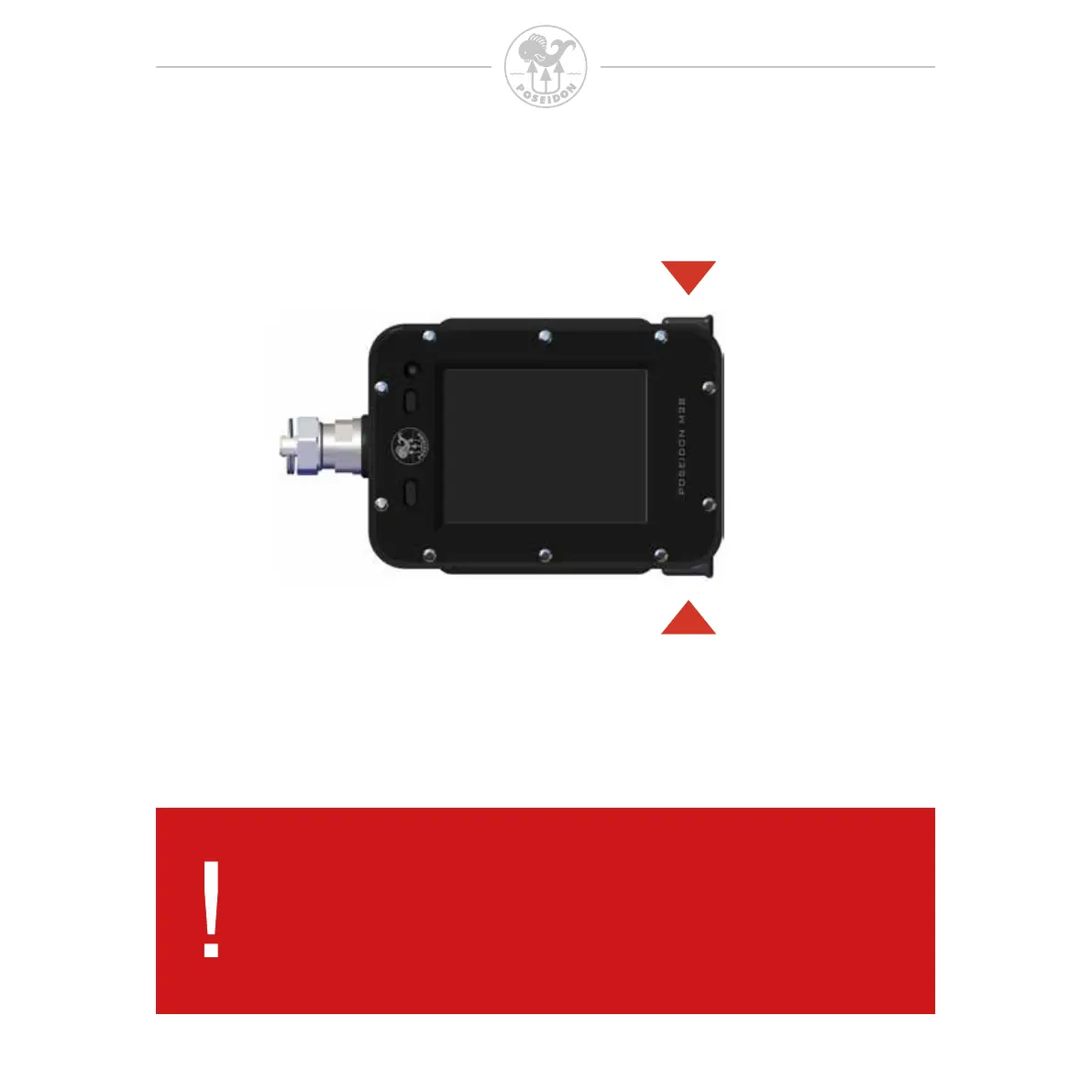
To start the M28 press both buttons simultaneously
Once the M28 has been started, the indicator light will ash green to indicate that the
M28 computer is turning on. This will be followed by a start-up screen with a visible
Poseidon logo. Please note that the time to visible start-up screen can vary in length.
After a few seconds this screen will be replaced by the Dive app.
DANGER:
Do not attempt to conduct a dive until the system has
successfully completed its start up procedure. Diving in spite
of a failed start up is extremely dangerous, and could lead to
serious injury or death.



 To Next Page