29
POSEIDON M28 USER MANUAL
SETPOINT AND CPOD MODE
AFTER DIVE START
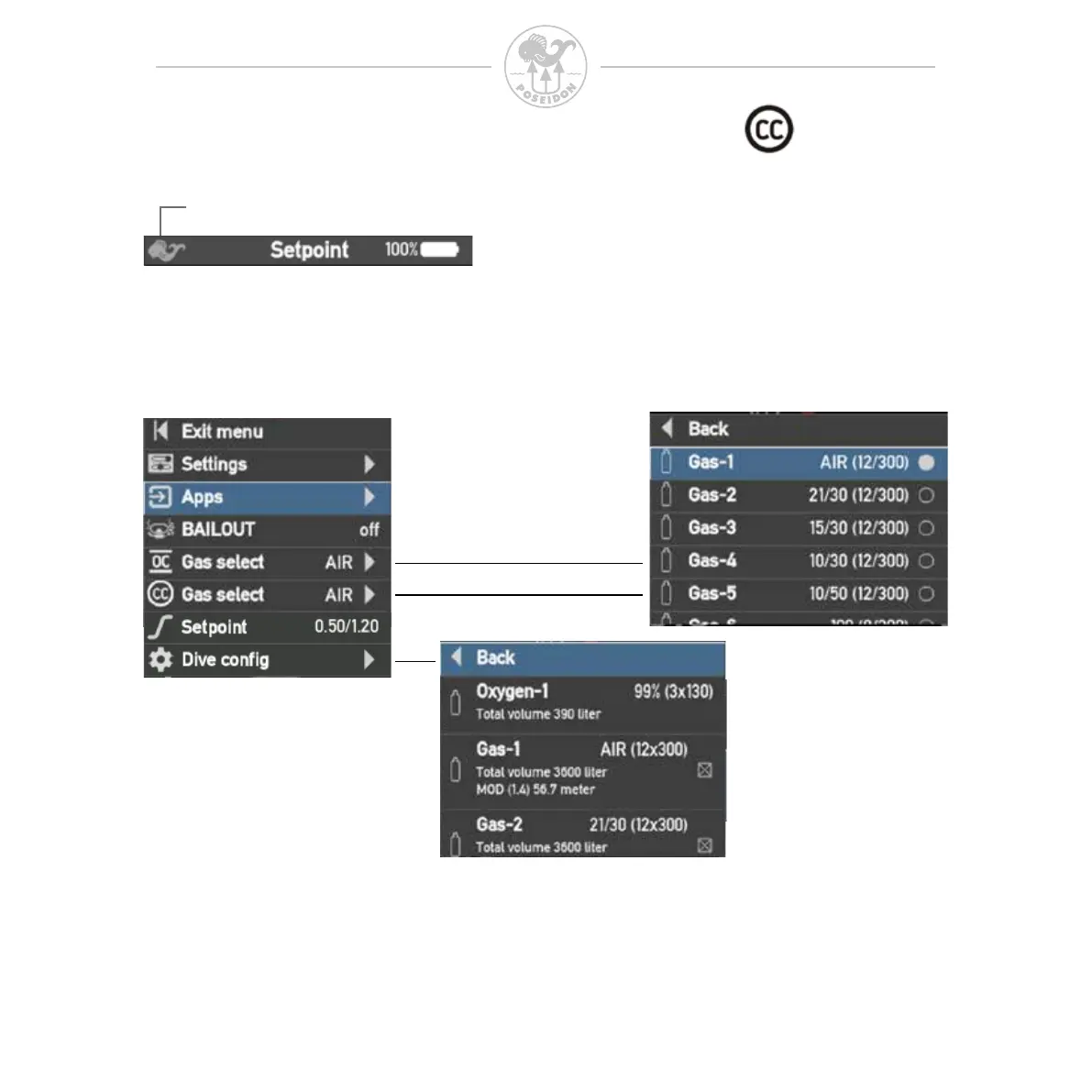
After “Dive start”, The Current view symbol ashes to indicate the active dive as
long as it is in progress.
After “Dive Start” the menu will only contain content relevant to the current dive
mode during dive.
Current view symbol
CONFIGURING GASES IN SETPOINT (CC) MODE
To congure the gases enter the menu system in Setpoint mode by pressing
both buttons. Select “Dive cong”. In the menu there is one gas congurations
for oxygen and eight congurations for other gases; the conguration are



 To Next Page