37
POSEIDON M28 USER MANUAL
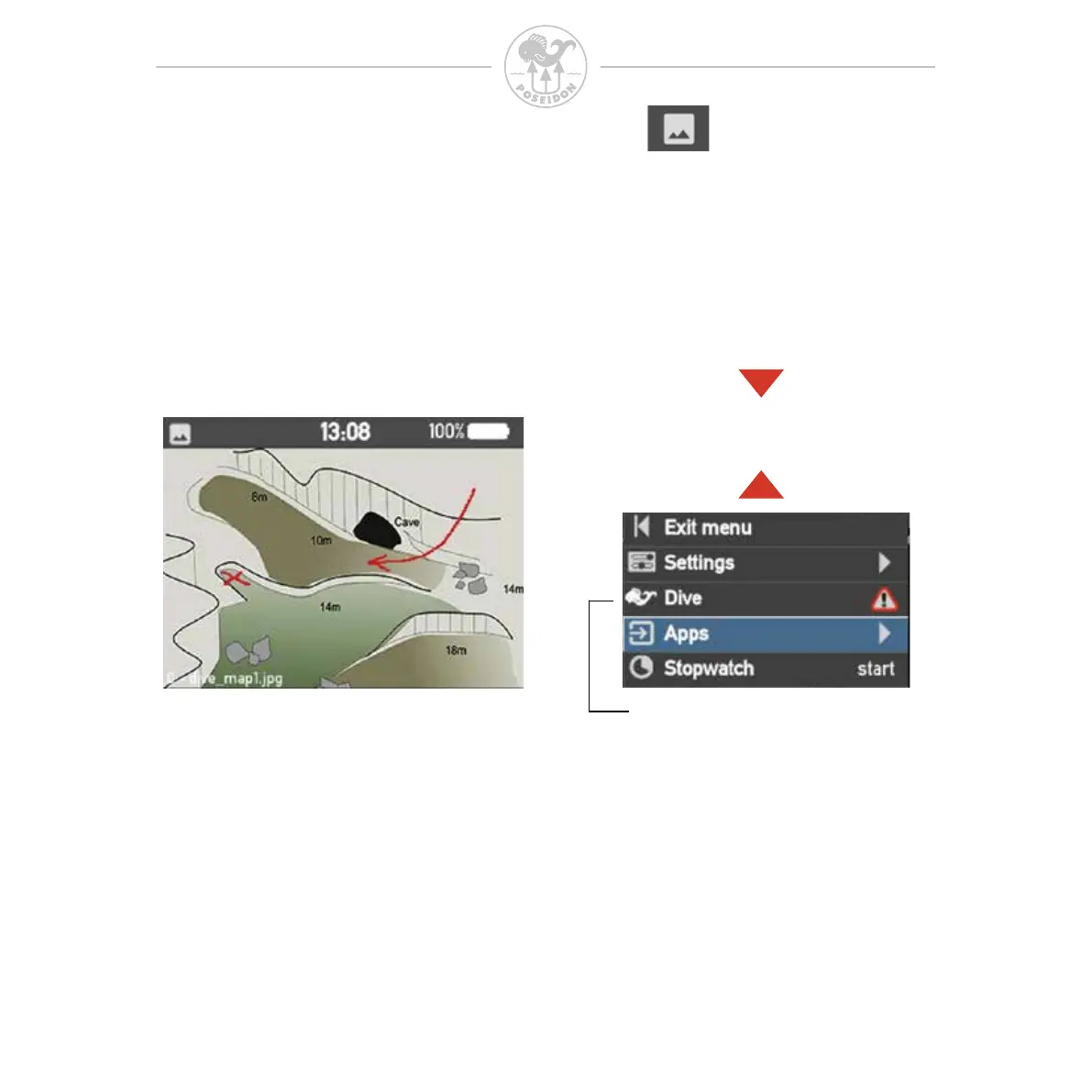
Picture app
The M28 includes a picture app that allows you to view stored
pictures and other information. You can upload or remove pictures from
a personal computer or mobile phone via the web interface when M28 is
connected by Wi-Fi.
Press up or down button to view the next or previous picture.
To upload or remove a picture, follow the steps described under Chapter 4.
Press button up or down to view
the next or previous picture
This option shows only in
Dive Mode and at warning



 To Next Page