20
POSEIDON M28 USER MANUAL
Dive app
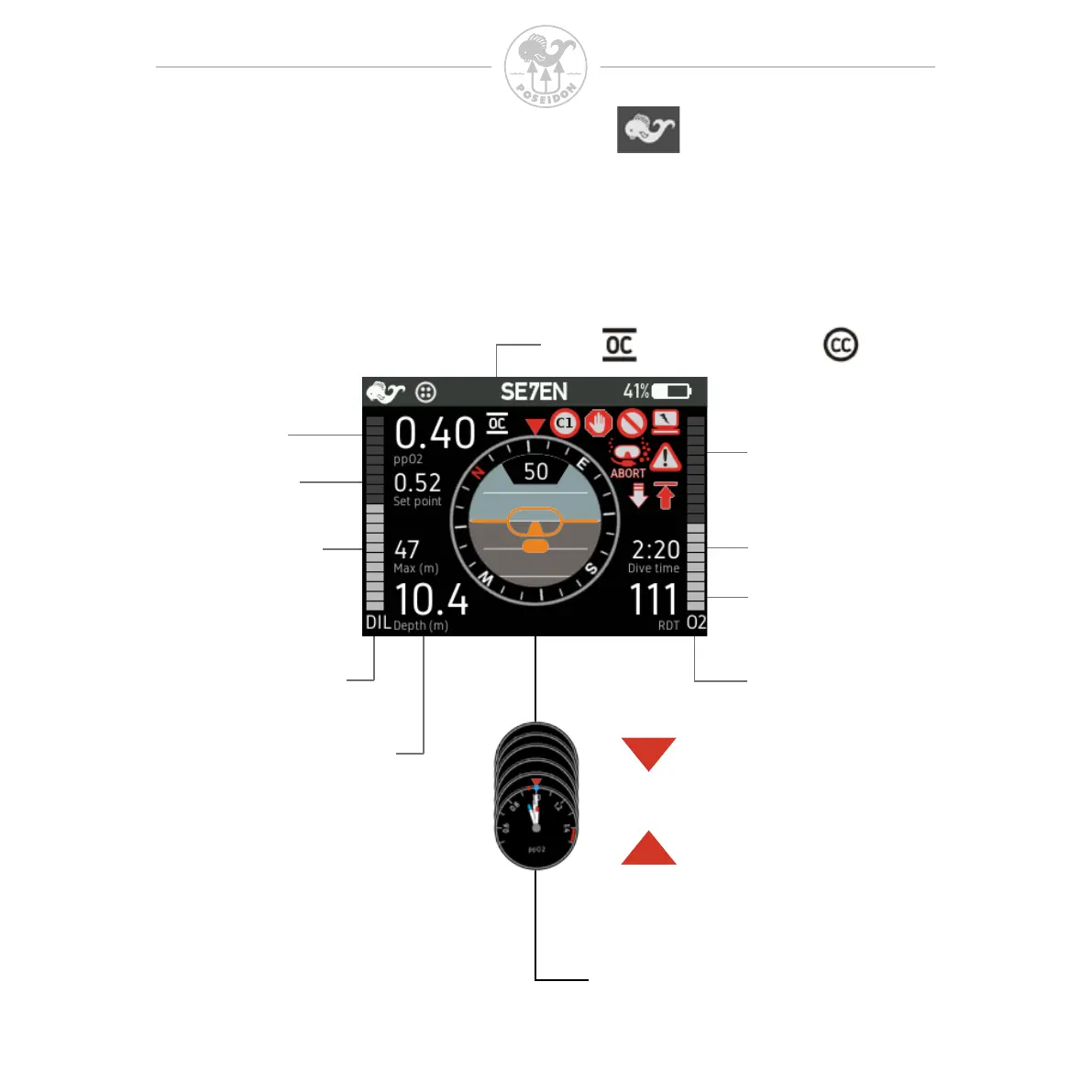
This section explains the various areas and symbols shown in the display when
the Dive app is selected.
This page explains the display content in the various modes except the GAUGE
mode which will be explained last in the dive view chapter.
Open - or Closed-Circuit position
Oxygen
cylinder pressure
Diluent
cylinder pressure
Selectable Center circle
Alarm signal area
Press button up or down to change
Dive Time
Current Depth
Max Depth
Setpoint
Remaining Dive Time
or No Deco Limit
Gas pp
O
2
at
current depth



 To Next Page