68
POSEIDON M28 USER MANUAL
FIRMWARE UPDATE
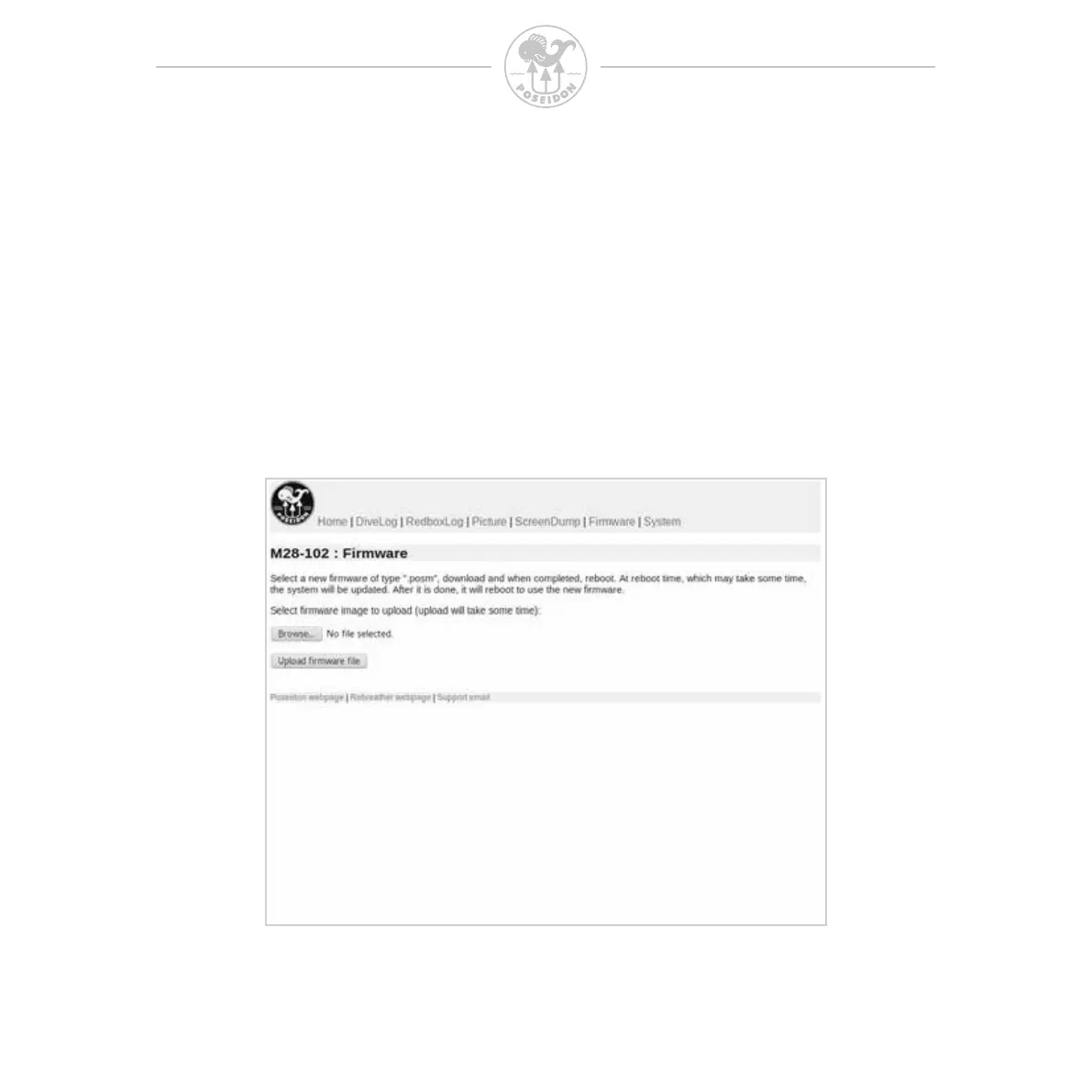
When the M28 is connected to a PC/Mac or other device through the Wi-Fi,
the rmware on the M28 can be updated. Select the rmware tab and press
the “Browse” button to select the correct rmware le on your PC/Mac or other
device. Then press the “Upload rmware le” button to load the new rmware
onto the M28. When the new rmware is loaded, you need to reboot the M28
to install it. This can be done through the “System” menu item in the browser,
and may take a few minutes to complete.



 To Next Page