12
POSEIDON M28 USER MANUAL
Monitoring the Display
ENTER
Most of the information concerning the status of the dive and various parameters
is communicated to the diver via the Display. It consists of a 2,8” TFT color QVGA
screen, and provides the diver with important information concerning sensor readings,
system messages, decompression status, and other data during the course of the
dive. It is extremely important that all Poseidon M28 divers understand how to read
the information contained in the Display, particularly concerning various alarm condi-
tions. Before even turning the Poseidon M28 on, it is useful to understand the general
layout of the Display, and the logic behind how the information is organized.
DANGER:
If the Display screen is ever blank or freezes during a dive,
immediately commence an abort to the surface.
Failure to do so could lead to serious injury or death.
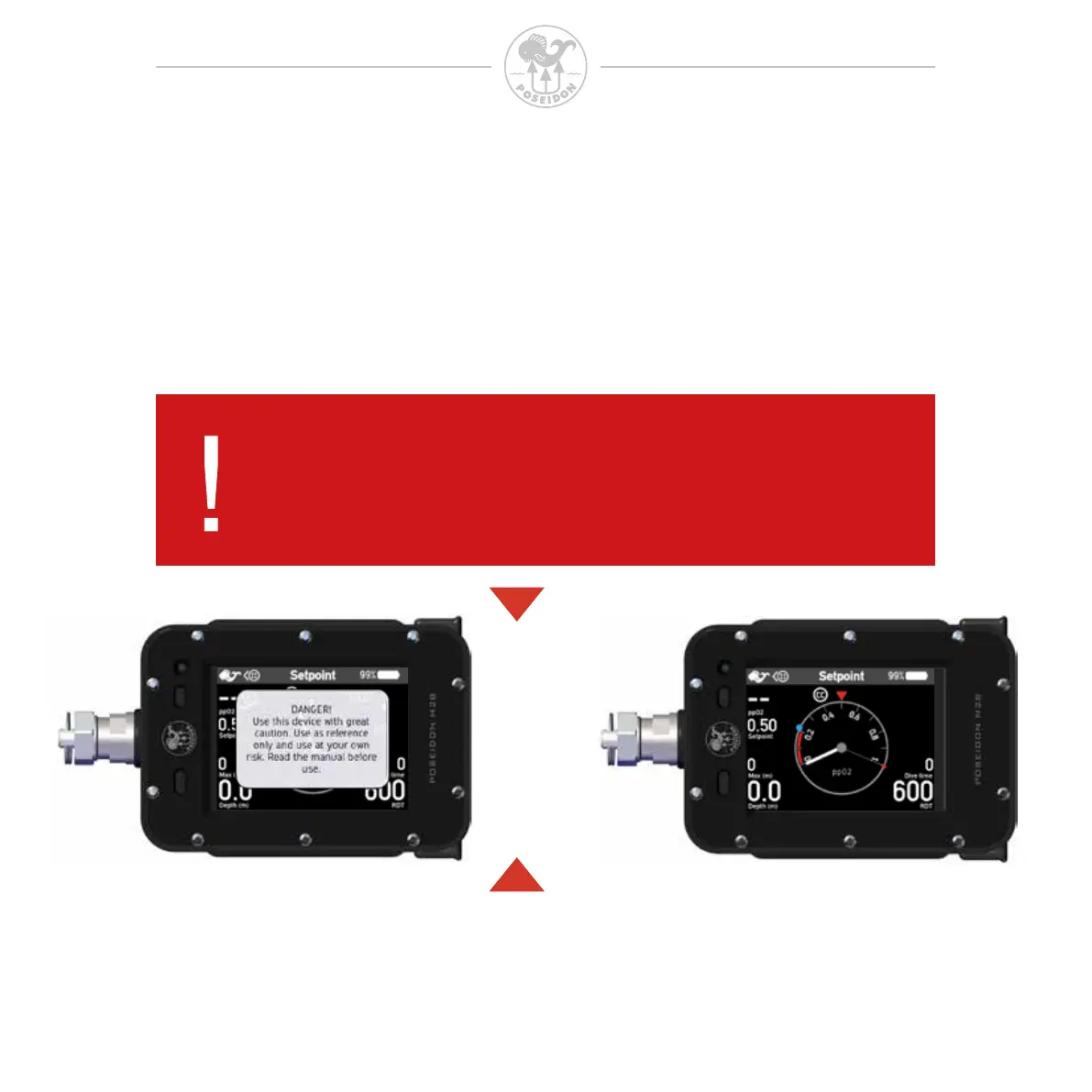
On the following pages the various application modes will be discussed, as well as the
menu structure. The “Dive” app is the initial app after start up.
This app is automatically visible after an initial safety message that can be conrmed
by pressing any of the two buttons.



 To Next Page