41
POSEIDON M28 USER MANUAL
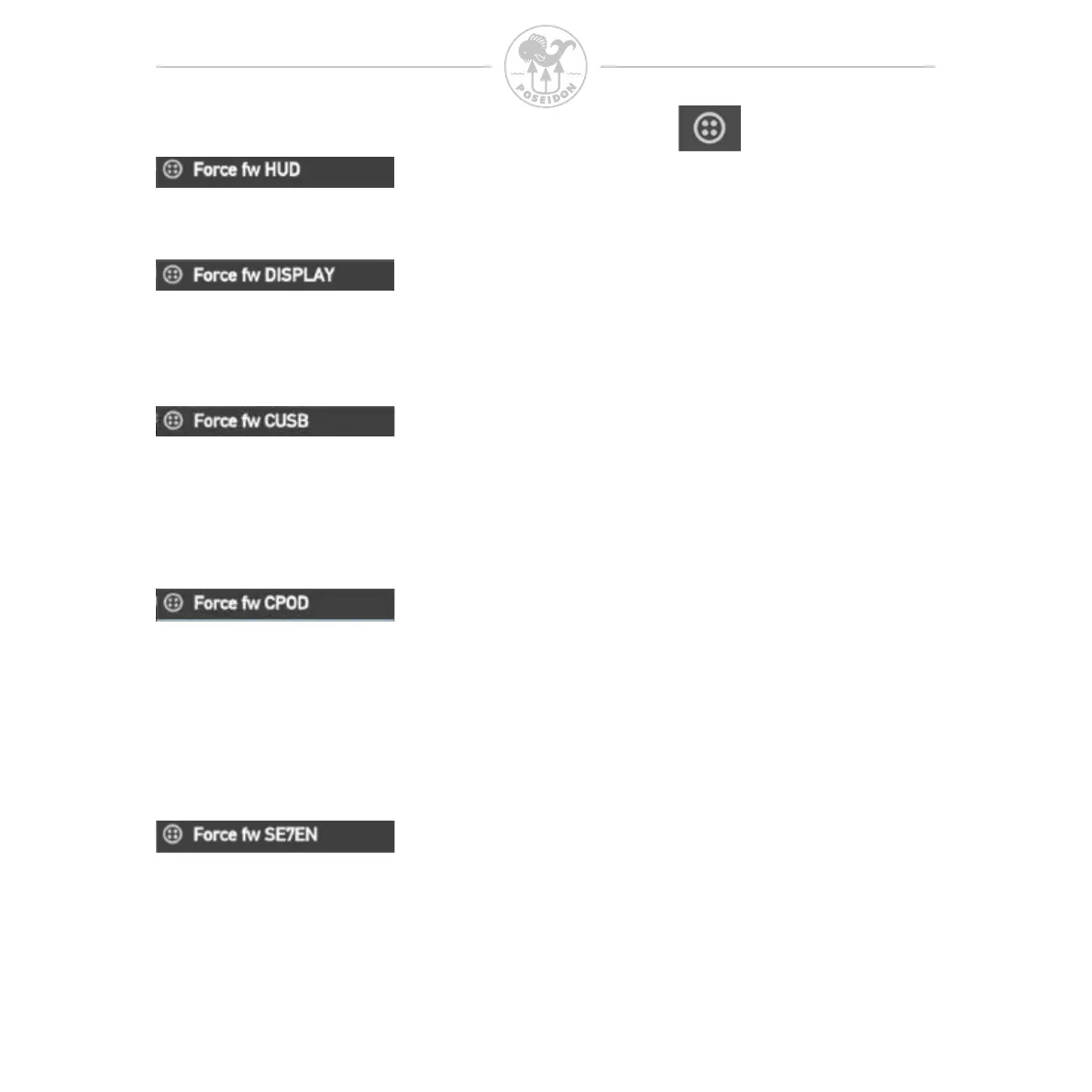
Select this option if you want to update the rmware in the SE7EN HUD.
Select this option if you want to update the rmware in the SE7EN Paddle
DISPLAY (Black/white LCD type).
Select this option if you want to update the rmware in the M28 charger cable.
Please note that the charger cable needs to be connected to a USB power
source when performing the update. Do not connect the CUSB to the SE7EN
at any time.
Select this option if you want to update the rmware in the CPOD.
Once you select to update a certain part of the system a rmware update
window will be visible on the M28 so you can follow the update procedure.
If you want to abort an ongoing update procedure, simply press both buttons
on the M28.
Select this option if you want to update the rmware of the E-Module
in the SE7EN+.
+



 To Next Page