G2000e/G3000e/G6000e User’s Manual Chapter 3: Operations and Settings
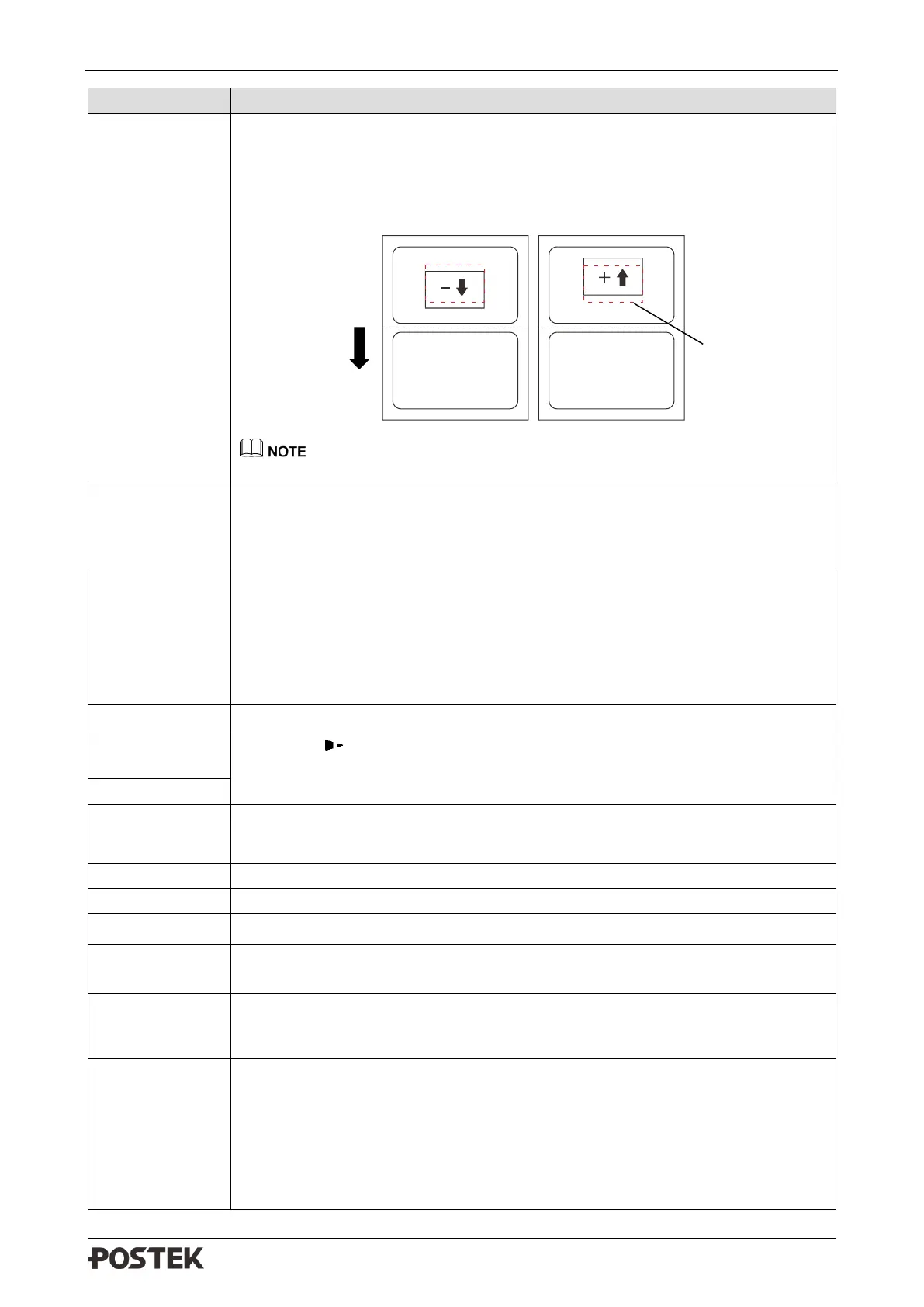
V-OFFSET adjusts the vertical position of the printout.
• Set higher values to move the printout up (the printout moves in the
opposite direction of feeding).
• Set lower values to move the printout down (the printout moves in the
direction of feeding).
Vertical offset can only be set to a value not less than 0.
Specify the quantity of the printed labels for each cut.
Default value: 01
Range: 01 to 99
Allow or forbid the printer to send back error information to the host. When it
is enabled, the printer would send back the current status information to the
host via the communication port after receiving ^ee command.
Options: ENABLE, DISABLE
Default: ENABLE
The range of XXX is 0-255, press [PAUSE/Self Test] to decrease,
[CANCEL/ Reset] to increase, [FEED/Calibrate] to move to the next XXX.
Upon completion, pressing [FEED/Calibrate] will proceed to the “Save/Abort”
screen.
Set network port.
Default: 9100
Select the command type that the printer recognizes.
Options: PPLE, PPLZ
Default: PPLE
After DHCP is enabled, the printer will ask for a restart. As the printer being
powered on again, the LCD will prompt “DHCP CONFIGURING, PLEASE
WAIT…” Normally it takes 2 minutes to finish the network settings. If failed,
the printer will disable the DHCP and prompt “DHCP CONFIGURATION
FAILED, PLS CHECK NETWORK CONNECTION!”
Options: ENABLE, DISABLE
Default: DISABLE



 To Next Page